
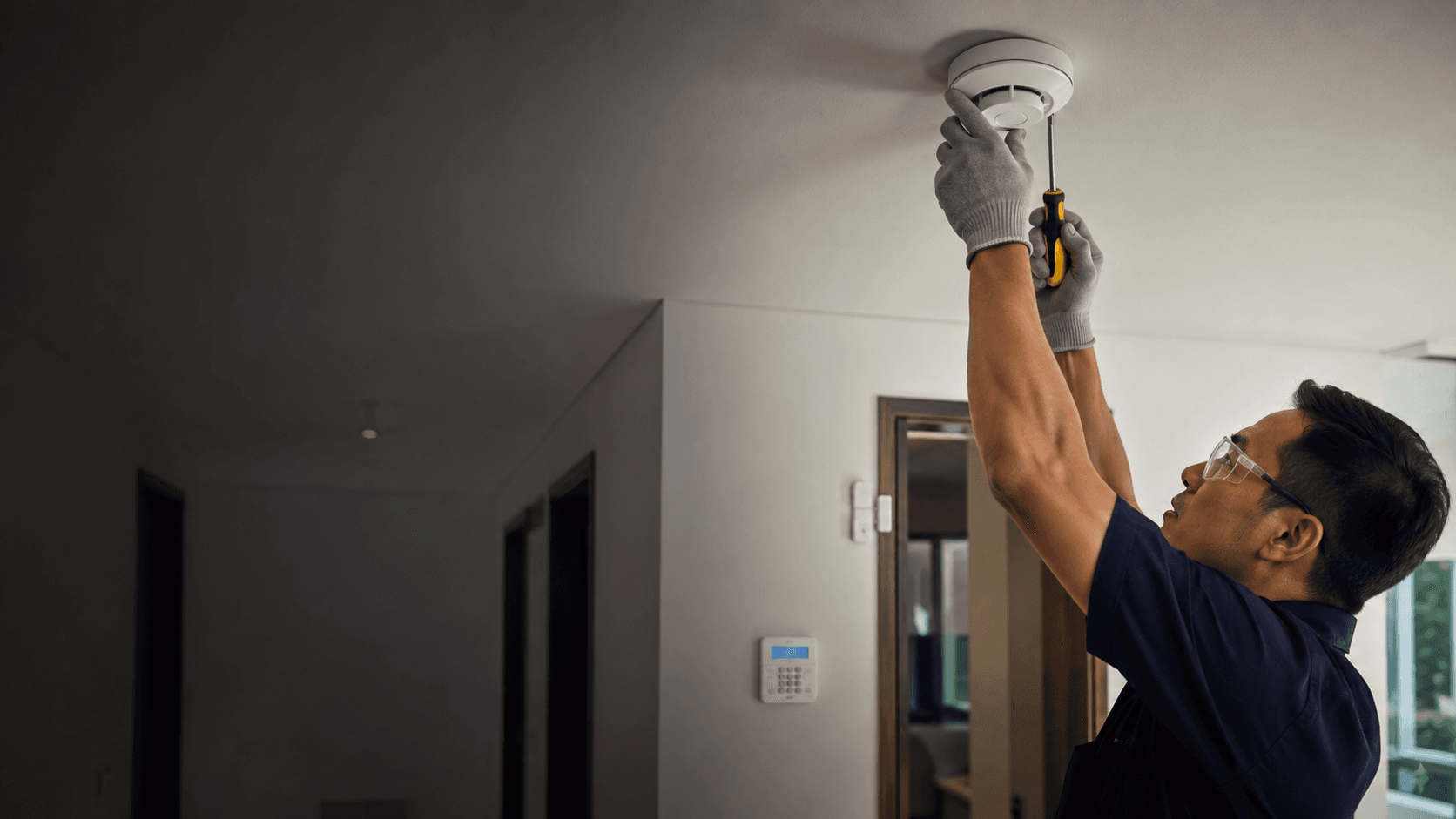
The pairing matters because a siren tells a household that something triggered, while a camera shows what triggered it. In Malaysia, where many properties sit empty during working hours and monsoon rain can degrade outdoor images, that combination reduces guesswork. Eyonic Sdn Bhd plans, supplies and installs monitoring systems with camera placement, recording and remote viewing for homes, offices, shops and industrial sites.
Alarm Systems With Cameras. What Matters Before Choosing
Three decisions shape the outcome more than brand preference: what the system must detect, where cameras can actually see, and how alerts reach a person who can act.
- Define the zones that need detection, such as entry doors, ground-floor windows and a rear gate.
- Walk the property at the hours that matter and note real lighting, glare and obstruction.
- Match camera positions to those zones rather than to convenient cable routes.
- Confirm how alerts and live views reach the responsible person, including during a power or internet interruption.
- Agree on the handover. user testing, zone naming and a walkthrough of the mobile view.
Eyonic's CCTV installation process follows site survey, system proposal, installation and handover, which places the survey before any commitment to camera positions.
Choosing the Right Alarm Systems With Cameras
A useful comparison starts with the property type, not the product list. A terrace house, a shophouse and a warehouse present different entry points, different lighting and different staffing patterns.
Detection first, video second
Alarm sensors establish whether an event occurred. Cameras then establish what the event was. A system built the other way round, with cameras added to an existing recorder but no sensor coverage, tends to produce footage that nobody reviews until after a loss.
Camera placement and lighting
Eyonic recommends checking actual lighting conditions before confirming placement for ColorVu-style cameras. A position that looks adequate in daylight can fail at night if a wall, tree or neighbouring light source creates glare or deep shadow. This check is worth doing on site rather than from a floor plan.
Recording and remote viewing
NVR setup and remote viewing are part of Eyonic's CCTV scope. The practical question is who holds the recording and how long it is kept, because retention length determines whether footage still exists when a dispute or incident is reported days later.
What Is an Alarm System With Cameras?
An alarm system with cameras links intrusion detection to video so that a triggered sensor can be checked against a live or recorded image. The alarm panel and sensors handle detection and siren output; the cameras and recorder handle visual confirmation. When both are installed as one system, zone names and camera views can be aligned so a single alert points to a specific door or window rather than an unnamed zone.
This differs from a standalone camera kit, which records continuously but raises no alarm, and from a standalone alarm, which raises an alert but shows nothing. The combined approach suits properties where someone must decide quickly whether a notification deserves a response.
Home Security System Fit Across Property Types
Eyonic's project work shows how the same principles scale. At the Kuching Immigration Office, the focus was arrival flow, staff areas, visitor movement and dependable daily operation. For KTA Sarawak Sdn Bhd, an engineering consultancy site, the requirement was a practical office setup supporting staff movement, visitor handling, tidy cabling and clearer daily site control.
Both cases point to the same lesson: coverage follows movement patterns. A home version of that logic covers the gate, the car porch, the main entrance and any ground-floor window reachable from outside. A shop adds the counter and stock area. An industrial site adds perimeter and loading access.
Where the combination earns its cost
Properties left unattended for long stretches, premises with repeated after-hours activity, and sites where a false alert carries a real cost all benefit from video confirmation. A small apartment with a single entrance gains less, because the detection and viewing problem is already simple.
Constraints worth naming
Cameras need power and, for remote viewing, a working internet connection. Sensor batteries and siren audibility need periodic checks. Outdoor housings face rain, dust and heat, and image quality at night depends on the lighting check described above. None of these are reasons to avoid the combination, but each one affects where equipment goes and how often it needs attention.
Practical Considerations for
Budget, cabling and handover are the three areas where expectations most often diverge from delivery.
Eyonic lists a Hikvision Alarm System package at RM 1,599 covering control panel and sensors, siren and zone setup, and user testing and handover. A Hikvision CCTV package is listed at the same figure, covering camera supply and setup, basic recording configuration and mobile viewing handover. Larger project work sits in a different range: the Kuching Immigration Office project carried an approximate budget of RM 12,000 to RM 28,000, and the KTA Sarawak Sdn Bhd project an approximate budget of RM 8,000 to RM 18,000.
| Consideration | What it affects | Practical implication |
|---|---|---|
| Zone count | Detection coverage | More zones mean clearer alerts but more devices to test and maintain |
| Lighting at camera position | Night image usefulness | Placement should follow an on-site lighting check, not a plan alone |
| Recording retention | Whether footage still exists later | Retention length should be agreed before handover |
| Cabling route | Installation tidiness and cost | Tidy cabling was an explicit requirement on the KTA Sarawak project |
| Handover | Whether users can operate the system | User testing and zone naming are part of Eyonic's stated process |
One further consideration is who operates the system day to day. A household needs a simple mobile view and clear alert wording. A business with rotating staff needs permissions and a backup entry method, which is why Eyonic reviews door condition, user roles and backup method before installing smart locks, and checks whether a standalone lock or an access-control panel suits the site.
Making an Informed Choice About
The decision narrows once three facts are known: the property type, the zones that genuinely need detection, and the hours when the property is unoccupied. Those three answers determine sensor count, camera positions and whether remote viewing is essential or merely convenient.
Eric Yong, founder of Eyonic Security Systems, has worked in the industry for more than 10 years and is experienced in technical installation of digital security solutions for commercial businesses in Sarawak. That background is relevant to the survey stage, where placement decisions are made.
For a next practical step, share the location, property type and required system with Eyonic on WhatsApp at +60 11-5111 7959. A site survey then establishes what the property actually needs before any equipment is specified.