
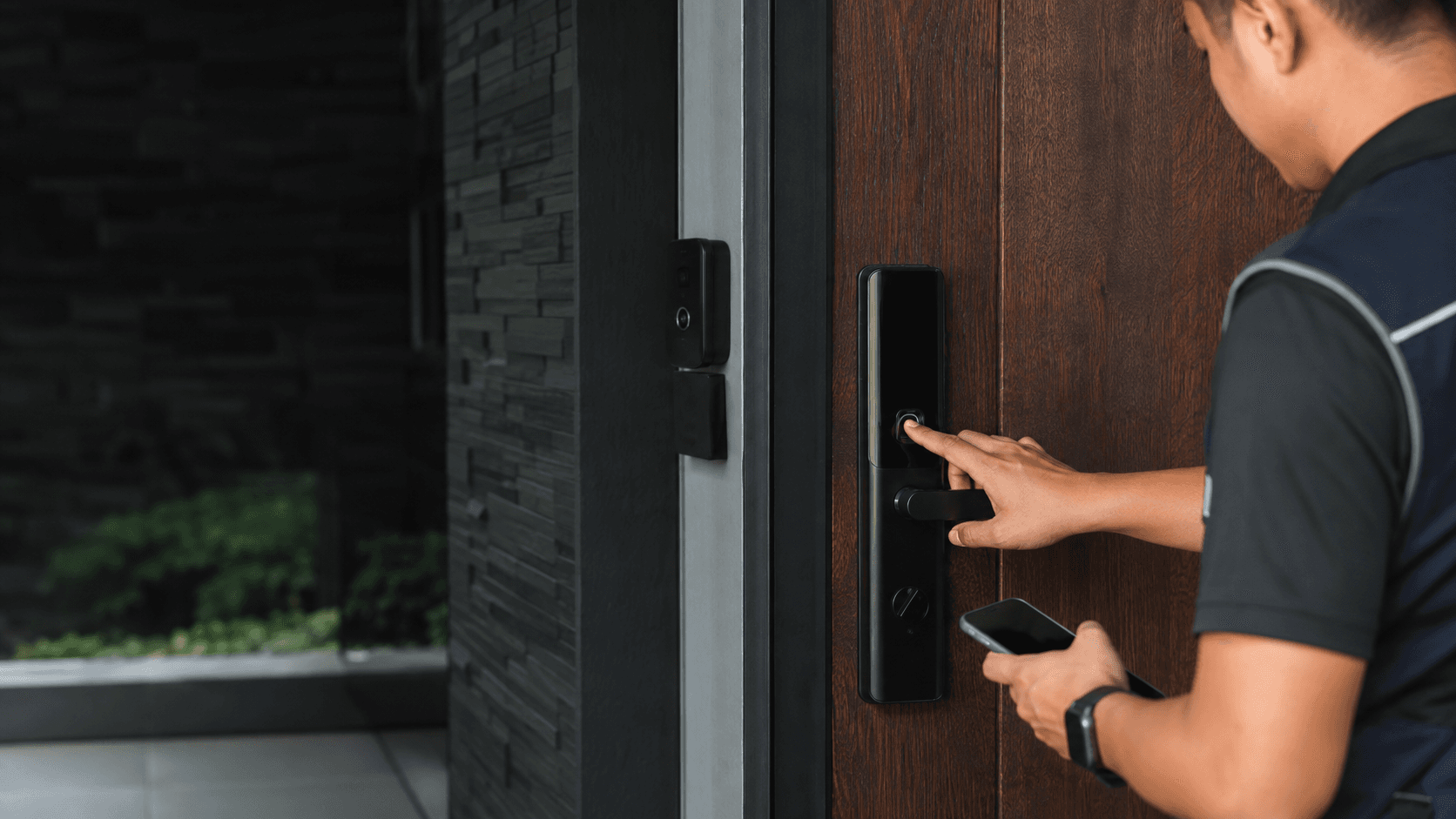
What Is a Thumbprint Door Knob?
A thumbprint door knob is a door handle with a built-in fingerprint reader. The user places a registered finger on the sensor, and the knob unlocks without a physical key. These units are part of the broader smart lock category, which also includes keypad locks and app-controlled deadbolts.
The term "thumbprint door knob" is often used interchangeably with "fingerprint door knob" in product listings. Most models combine the fingerprint reader with backup access methods such as a passcode, a physical key, or a mobile app. This redundancy matters because a sensor failure or a wet finger can prevent a scan from working.
How Thumbprint Door Knobs Work
The knob contains a small optical or semiconductor sensor that captures the ridge pattern of a finger. The unit stores enrolled fingerprints in local memory and compares each new scan against that stored template. When a match is confirmed, the latch retracts and the door opens.
Power comes from batteries housed inside the knob body. When battery levels drop, most units sound a low-power warning and still allow a backup key or external power connection for emergency entry. The exact battery life and sensor speed vary by model and are not standardised across brands.
Key Features to Compare in a Thumbprint Door Knob
Buyers comparing a thumbprint door knob should look at the number of unlock methods, the fingerprint capacity, and the auto-lock behaviour. A unit that only accepts fingerprints leaves no fallback if the sensor is dirty or the finger is injured. Models with a keypad or physical key provide a practical backup.
Door condition is another deciding factor. A warped door frame or a misaligned latch can cause any knob lock to bind, whether it is biometric or mechanical. Eyonic's smart lock guidance notes that door condition, user roles, and backup method should be reviewed before installation. For business use, Eyonic usually checks whether a standalone smart lock or an access-control panel is more appropriate.
Thumbprint Door Knob Installation and Maintenance
Installing a thumbprint door knob follows the same basic sequence as replacing a standard lockset, though the wiring and sensor add a few extra checks.
- Remove the existing knob and latch from the door using a screwdriver.
- Check the door thickness and the backset measurement against the new unit's specifications.
- Insert the new latch and secure the exterior knob with the mounting plate.
- Connect the interior unit's cable to the exterior sensor assembly.
- Attach the interior knob, insert batteries, and test the latch movement.
- Enrol the first fingerprint and verify that the lock engages and releases cleanly.
Maintenance is mostly about keeping the sensor clean and the batteries fresh. A dry cloth removes the skin oil and dust that accumulate on the reader surface. Door alignment should be checked periodically because a sagging hinge adds friction that drains batteries faster.
Thumbprint Door Knob Security and Limitations
A thumbprint door knob removes the risk of lost or copied keys, but it introduces new trade-offs. Fingerprint data stays on the device in most consumer models rather than in the cloud, which limits remote access but also reduces exposure to online attacks. The physical sensor itself can be fooled by a high-quality print replica, though this requires direct access to the knob.
Battery failure is the most common practical limitation. A dead battery locks out everyone unless the unit has a backup key or an external power port. Users should confirm which fallback methods exist before purchase rather than assuming a fingerprint is the only entry path.
Weather exposure matters for exterior doors. Rain, humidity, and direct sunlight can affect sensor accuracy and housing durability over time. Eyonic's advice on checking actual lighting conditions before confirming camera placement reflects a similar principle for outdoor security hardware: the environment determines real-world performance.
Choosing a Thumbprint Door Knob for Your Property
The right thumbprint door knob depends on the door's location and the number of users. A bedroom or office door with a handful of regular users needs a simpler unit than a main entrance shared by many people. High-traffic entries benefit from a model with a larger fingerprint capacity and a more durable latch mechanism.
For commercial settings, a standalone thumbprint door knob may not be the best fit. Eyonic's project work at the Kuching Immigration Office and KTA Sarawak Sdn Bhd focused on arrival flow, staff movement, and dependable daily operation. Those requirements point toward an access-control system that logs entries and manages multiple user permissions, rather than a single consumer knob.
Eyonic Sdn Bhd supplies and installs security systems across Sarawak, including smart lock door access for homes, offices, shops, and industrial sites. Their installation process covers a site survey, system proposal, installation, and handover, which suits buyers who want the thumbprint door knob matched to the actual door condition. Share the location, property type, and required system with Eyonic on WhatsApp at +60 11-5111 7959 for the next practical step.