
What Makes a HomeKit Lock Worth Buying in 2026?
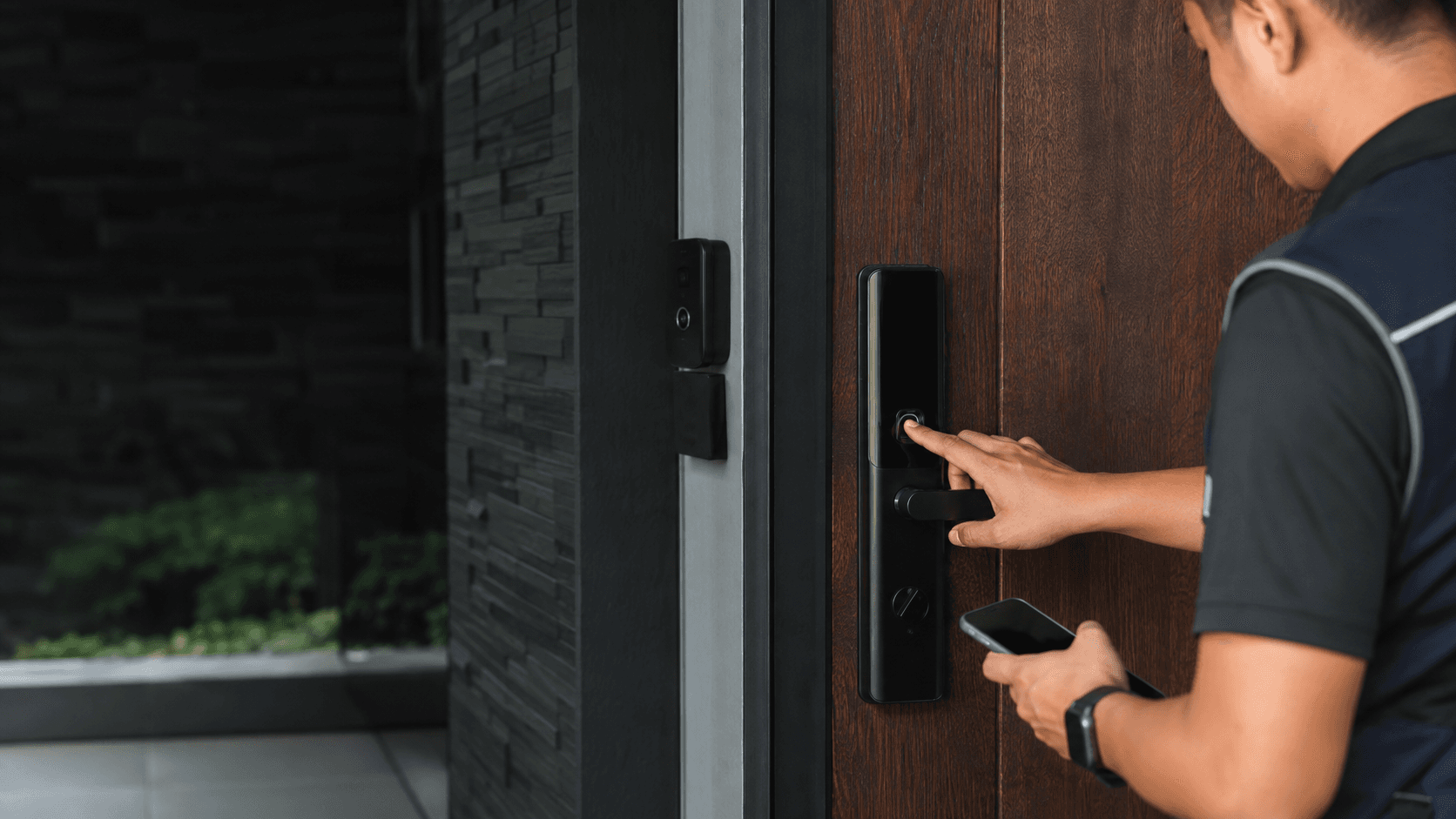
The practical test for any HomeKit lock is whether it removes friction without adding failure points. A lock that only works through the Apple Home app still counts as HomeKit-compatible, but the 2026 models that dominate recommendations add Apple Home Key, which lets an iPhone or Apple Watch tap to unlock without opening an app.
Three features separate the current generation from older HomeKit locks:
- **Apple Home Key** stores a digital key in the Apple Wallet and works even when the phone battery is low through Express Mode.
- **Matter or Thread support** improves response speed and keeps the lock working across Apple, Google, and Alexa ecosystems.
- **A physical backup** such as a keypad, fingerprint reader, or traditional key remains essential when electronics fail.
A HomeKit lock is a poor fit for a door that binds, has an unusual latch depth, or lacks a nearby hub. The lock itself cannot fix those conditions.
HomeKit Locks 2026: The Top Models Compared
The models below appear consistently across current HomeKit lock comparisons. Availability and pricing in Malaysia vary by retailer, so treat the list as a starting point rather than a confirmed local stock list.
- Schlage Encode Plus — Full deadbolt replacement with Apple Home Key, Wi-Fi, and a built-in alarm. Often cited as the most complete option for security-focused buyers.
- Aqara Smart Lock U200 — Retrofit lock that mounts over an existing deadbolt, adding Apple Home Key and Matter support without replacing the exterior hardware.
- Yale Assure Lock 2 — Modular smart lock with swappable connectivity modules, including HomeKit and Matter options, plus keypad access.
- Level Lock Pro — Concealed smart lock that keeps the original exterior key and thumb turn, with Apple Home Key and Thread support.
- Aqara U100 — Full deadbolt with Apple Home Key, fingerprint reader, keypad, and Matter support at a lower price point than most rivals.
Schlage Encode Plus
The Encode Plus is the reference point for Apple Home Key locks. It replaces the entire deadbolt, includes a physical key and keypad as backups, and connects over Wi-Fi so remote access does not require a separate bridge. Its main drawback is the full-replacement installation, which demands accurate door prep and a correctly sized latch.
Aqara Smart Lock U200
The U200 suits renters or anyone who wants to keep an existing deadbolt. It attaches to the interior side of the door and motorizes the thumb turn, so the original key still works from outside. Apple Home Key and Matter support arrive through the Aqara hub, which adds a component to the setup.
Yale Assure Lock 2
Yale's modular approach lets buyers choose the connectivity module at purchase. The HomeKit module adds Apple Home Key, while the Matter module supports multiple ecosystems. The lock itself uses a keypad and physical key, making it a dependable choice for households that prefer traditional entry methods alongside smart access.
Level Lock Pro
Level hides all electronics inside the deadbolt, leaving the exterior and interior hardware looking standard. It supports Apple Home Key and Thread, and it works with existing keys. The trade-off is a more complex installation and a higher price for the invisible design.
Aqara U100
The U100 packs Apple Home Key, fingerprint recognition, a keypad, and a physical key into a full deadbolt at a competitive price. It uses Zigbee and requires the Aqara hub, which adds cost and a potential point of failure. For buyers who want multiple access methods without paying premium prices, it remains a strong candidate.
| Model | Connectivity | Apple Home Key | Backup Access | Typical Price Range |
|---|---|---|---|---|
| Schlage Encode Plus | Wi-Fi | Yes | Keypad, key | RM 1,800 – RM 2,400 |
| Aqara U200 | Zigbee (via hub), Matter | Yes | Existing key, keypad | RM 1,200 – RM 1,800 |
| Yale Assure Lock 2 | Wi-Fi or Matter module | Yes (HomeKit module) | Keypad, key | RM 1,500 – RM 2,200 |
| Level Lock Pro | Thread | Yes | Key, app | RM 2,000 – RM 2,800 |
| Aqara U100 | Zigbee (via hub) | Yes | Fingerprint, keypad, key | RM 1,000 – RM 1,500 |
Price ranges reflect international market data and may not match Malaysian retail. Local import duties, shipping, and installer fees can shift the final cost significantly.
Apple Home Key vs. Traditional Unlocking
Apple Home Key changes the unlocking habit. Instead of opening the Home app or waiting for Bluetooth to connect, the user holds the iPhone or Apple Watch near the lock's NFC reader. The unlock happens in under a second, and Express Mode works without Face ID or Touch ID for up to five hours after the device is locked.
The key lives in the Apple Wallet and can be shared with family members or guests through the Home app. Revoking access is instant, which makes Home Key useful for cleaners, contractors, or short-term rentals.
Traditional methods still matter. A keypad works for visitors who do not carry an iPhone. A fingerprint reader suits households where multiple people share the door. A physical key remains the only backup that works when the lock's electronics, the phone, and the network all fail at once.
Home Key is not a reason to skip backups. It is a convenience layer on top of a lock that should still function as a lock.
Matter and Thread. Why They Matter for
Matter is a common communication standard that lets smart home devices work across Apple, Google, Amazon, and Samsung ecosystems. A Matter-enabled HomeKit lock can be controlled from any of those platforms without separate bridges for each.
Thread is a low-power mesh networking protocol that Matter can use for transport. Thread devices relay signals to each other, which improves range and reliability compared with direct Wi-Fi connections. A Thread lock responds faster and uses less battery than a Wi-Fi lock.
The practical benefit for HomeKit locks 2026 is simpler: a Matter-over-Thread lock connects directly to an Apple Home hub such as a HomePod or Apple TV, and it keeps working if the internet drops because the control happens locally.
Wi-Fi locks do not need a hub, but they consume more battery and depend on a stable router signal reaching the door. Zigbee locks such as the Aqara models require the brand's hub, which adds a device but also extends the mesh network.
Installation and Door Compatibility What to Check First
Door preparation determines whether a HomeKit lock installs cleanly or becomes a recurring problem. Before choosing a model, measure the door's thickness, the backset (the distance from the door edge to the latch hole center), and the crossbore diameter. Most US-style deadbolts use a 2-3/8 inch or 2-3/4 inch backset and a 1-inch crossbore, but Malaysian doors often follow different standards.
Full-replacement locks such as the Schlage Encode Plus and Aqara U100 require the existing deadbolt to be removed. The new lock must match the door's prep holes, or the installer must drill new ones. Retrofit locks such as the Aqara U200 and Level Lock Pro mount over the existing deadbolt, which avoids exterior changes but adds bulk on the interior side.
Door condition matters more than brand. A warped door, misaligned strike plate, or sticky latch will defeat any smart lock because the motor cannot turn a latch that binds. Eyonic's smart lock guidance notes that door condition, user roles, and backup methods should be reviewed before installation, and that a standalone smart lock may not suit every business door.
For a Malaysian home, consider the door material and climate. Solid wood and metal doors handle smart locks well. Hollow-core doors may not provide enough material for the mounting screws. High humidity can affect electronics and batteries, so a lock with a sealed interior and corrosion-resistant finish is worth prioritizing.
Security and Backup Access. Planning for Real World Use
A smart lock is still a lock. Its security depends on the physical deadbolt grade, the strength of the access credentials, and the reliability of the backup methods.
ANSI/BHMA grades rate deadbolt strength. Grade 1 is the highest residential and light-commercial standard, Grade 2 suits most homes, and Grade 3 meets minimum code requirements. Most premium HomeKit locks carry Grade 1 or Grade 2 ratings, but the grade applies to the physical lock body, not the electronics.
Access control planning matters for households and businesses alike. Eyonic's review of smart lock door access notes that these locks work best when user permissions and backup entry are planned properly. For business use, Eyonic checks whether a standalone smart lock or a full access-control panel is more appropriate, because a panel offers centralized credential management that a consumer lock cannot match.
Practical backup planning includes:
- Keeping a physical key in a secure location outside the home for emergencies.
- Setting up guest codes with expiration dates for temporary visitors.
- Testing the lock's manual operation regularly to confirm the latch moves freely.
- Replacing batteries on a schedule rather than waiting for low-battery warnings.
Battery life varies by connectivity. Wi-Fi locks typically need replacement every three to six months. Thread and Zigbee locks can run for six months to a year. A lock that reports battery level through the Home app removes guesswork, but the physical key remains the final fallback.
For a Malaysian installation, local support matters. A lock bought overseas may lack local warranty coverage, and finding an installer familiar with the specific model can be difficult. Eyonic's installation process for security systems includes a site survey, system proposal, installation, and handover, which is the same sequence a smart lock installation should follow to catch door compatibility issues before drilling begins.