
How Electronic Queue Management Works
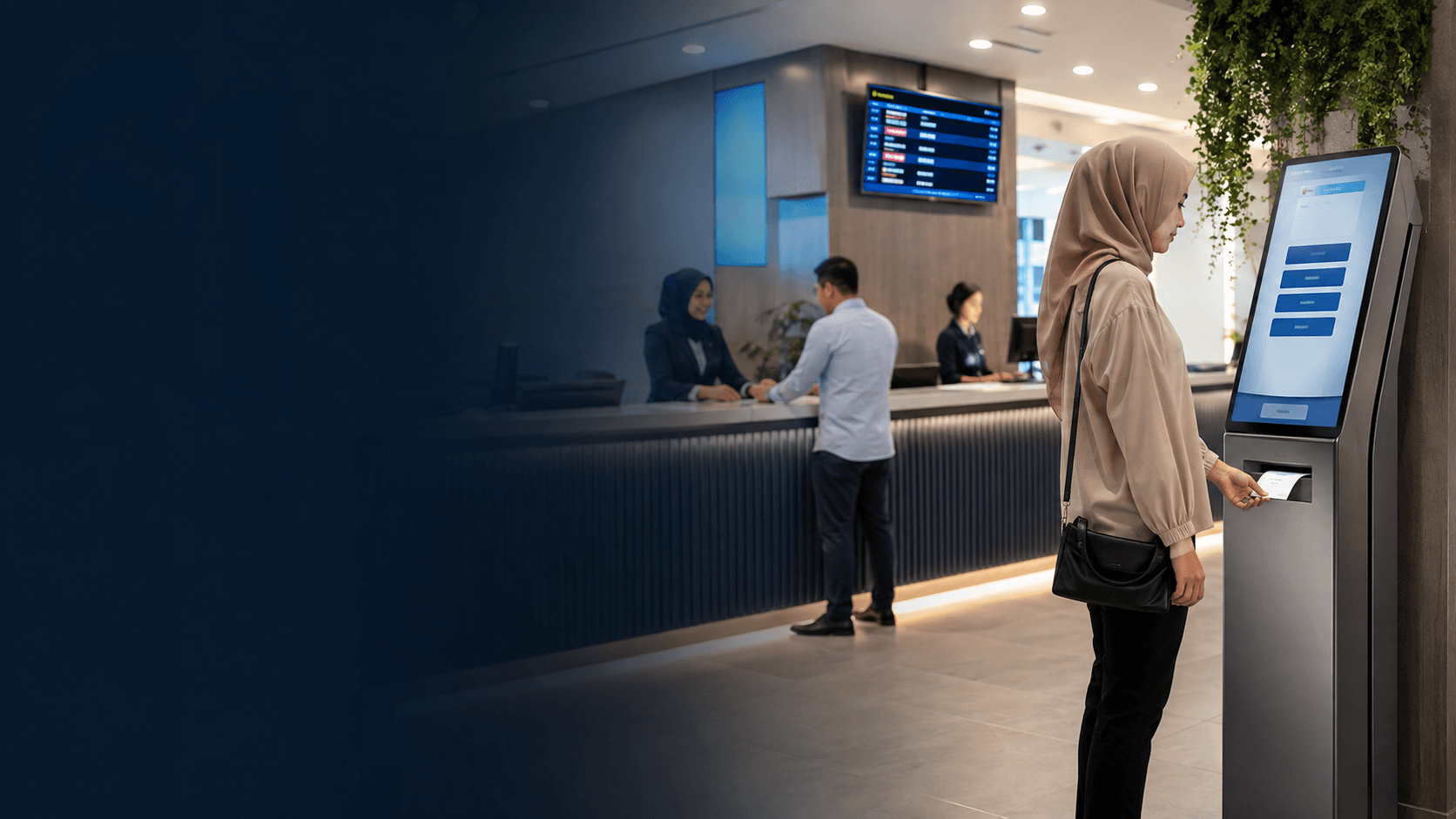
Electronic queue management systems coordinate customer flow through a sequence of connected actions. A visitor takes a ticket from a kiosk, receives a number, and waits until a display screen or mobile notification calls that number to a specific service counter. The system tracks each customer from arrival through service completion, giving staff a live view of demand across every counter.
The core mechanism is straightforward. A central software platform receives inputs from ticket dispensers, self-service kiosks, or mobile check-ins. It then assigns each customer a position in a logical queue and directs them to the next available service point. Staff see the queue on a dashboard and call the next customer with a single action, removing the need for shouted numbers or crowded counters.
Key Components of an Electronic Queue Management System
A complete electronic queue management setup combines several physical and digital elements that work as one flow.
- Assess the current queue flow by mapping where customers enter, wait, and receive service.
- Define service goals such as maximum wait time, counter allocation, or appointment volume.
- Select the system components that match the service type, from ticket kiosks to mobile check-in.
- Plan staff training so counter operators can manage the dashboard and handle exceptions.
- Monitor queue data after launch and adjust counter assignments based on real demand patterns.
The main hardware pieces include ticket dispensers, self-service kiosks, and display screens positioned where waiting customers can see them. The software side handles queue logic, counter assignment, and reporting. Many modern systems also support virtual queueing, where customers join the queue remotely through a mobile device and arrive only when their turn approaches.
Benefits of Electronic Queue Management for Businesses
Electronic queue management gives service organizations a measurable way to control crowding and make wait times predictable. Customers see exactly where they stand in the queue, which reduces the anxiety that comes from unstructured lines. Staff members work from a clear dashboard instead of managing competing demands from multiple waiting customers.
For public offices and high-traffic service counters, the benefit is dependable daily operation. Eyonic completed a project for the Kuching Immigration Office that focused on arrival flow, staff areas, and visitor movement, with the goal of supporting consistent operation during busy periods. The approximate budget for that type of work ranged from RM 12,000 to RM 28,000, which gives a practical sense of what a government-facing queue and flow setup can involve.
Businesses also gain operational data. Queue management software records service times, wait durations, and counter usage, which helps managers decide how many counters to open during peak hours. This data-driven approach is more reliable than guessing based on how crowded the lobby looks.
How to Choose an Electronic Queue Management System
Selecting the right electronic queue management system starts with understanding the service environment rather than comparing feature lists. A clinic with scheduled appointments needs different queue logic than a government office serving walk-in visitors or a retail counter with multiple service types.
Consider the physical layout first. The system must fit the actual space where customers wait, including where screens can be mounted and where kiosks can sit without blocking movement. Eyonic's CCTV installation process includes a site survey before any proposal, and the same principle applies to queue systems: checking the real conditions of the space prevents placement mistakes that look fine on paper.
Service variety matters too. A single-line queue works when every counter offers the same service. Multi-service operations need a system that can categorize customers by the type of transaction they need, so a customer with a quick question does not wait behind someone with a lengthy application.
Integration capability is another deciding factor. Some organizations need the queue system to connect with appointment booking, customer relationship management, or existing display hardware. Confirming which integrations are available before purchase avoids the cost of replacing equipment that cannot communicate with the rest of the operation.
Electronic Queue Management in Practice
Real-world electronic queue management deployments show how the technology adapts to different service pressures. Government offices use it to manage high volumes of walk-in visitors who need different types of document processing. Healthcare facilities use it to separate scheduled appointments from urgent walk-ins. Retail banks use it to route customers to the right service counter based on transaction type.
The Kuching Immigration Office project illustrates the practical concerns that shape a queue-related deployment. The focus was on arrival flow, staff areas, and visitor movement, with dependable daily operation as the goal. These are the same priorities that matter for any electronic queue management installation: understanding how people move through the space, where staff need clear sightlines, and what happens when the system must run reliably every working day.
Limitations and Considerations for Electronic Queue Management
Electronic queue management is not a universal fix for every waiting problem. The system only organizes the queue; it does not create additional service capacity. If the bottleneck is the number of staff or the time each transaction takes, a queue system will make the wait more orderly but will not necessarily make it shorter.
Hardware reliability is a practical constraint. A queue system that depends on ticket printers, kiosks, or network connections needs a maintenance plan for when equipment fails. Public offices that serve visitors daily cannot afford a system that goes down mid-morning, which is why dependable daily operation was a stated priority in the Kuching Immigration Office project.
Staff adoption determines whether the system delivers value. Counter operators must trust the dashboard and use it consistently. Without proper training, staff may fall back on manual methods, leaving the electronic queue management system to run alongside an informal queue that undermines the entire purpose.
Cost is another consideration. The RM 12,000 to RM 28,000 range for the Kuching Immigration Office project shows that even a focused deployment represents a real investment. Organizations should weigh that cost against the operational problems the system solves, such as crowding, uneven counter loads, and customer frustration.