
Arlo Wireless Camera Basics
Arlo wireless cameras differ from traditional CCTV because they do not rely on a continuous video cable running back to a recorder. Each camera connects to a home or office network, and footage is accessed through the Arlo Secure app rather than a fixed monitor. This makes the Arlo wireless camera a practical option for locations where running cable would be disruptive, such as rental properties, shopfronts, or older buildings in Malaysian towns where wall construction makes drilling difficult.
The trade-off for this flexibility is power management. A battery-powered Arlo wireless camera must be recharged periodically, and heavy activity shortens the interval between charges. Some models accept a solar panel or indoor power adapter to reduce this maintenance, but the pure wireless design still depends on a stable Wi-Fi signal. In Malaysian homes with thick concrete walls, signal strength at the mounting point matters more than the camera's resolution.
Arlo Wireless Camera Models and Key Features
Arlo's lineup spans several tiers, and the differences affect how well each unit suits a Malaysian property. The Essential series offers 1080p or 2K video with colour night vision and a built-in spotlight, making it a common entry point for home use. The Pro series adds higher resolution, a wider field of view, and more advanced detection options. The Ultra series sits at the top with 4K video and HDR, which is useful for large compounds where identifying a vehicle plate or a person's face at distance is important.
All current Arlo wireless camera models share a set of core functions that determine daily usefulness:
- Motion detection with adjustable activity zones so passing traffic does not trigger constant alerts
- Two-way audio for speaking to a delivery person or warning an intruder
- Weather-resistant housings rated for outdoor exposure in tropical rain
- Night vision that switches automatically in low light
- Local storage through a base station or cloud recording through a subscription
The practical difference between models is not just video quality. Battery life varies, and the field of view determines how many cameras are needed to cover a perimeter. A 130-degree lens covers a typical car porch, while a wider 160-degree lens reduces blind spots at corners. For a Malaysian terrace house, two cameras with wide lenses often cover the front and rear better than three narrow units.
How to Set Up an Arlo Wireless Camera
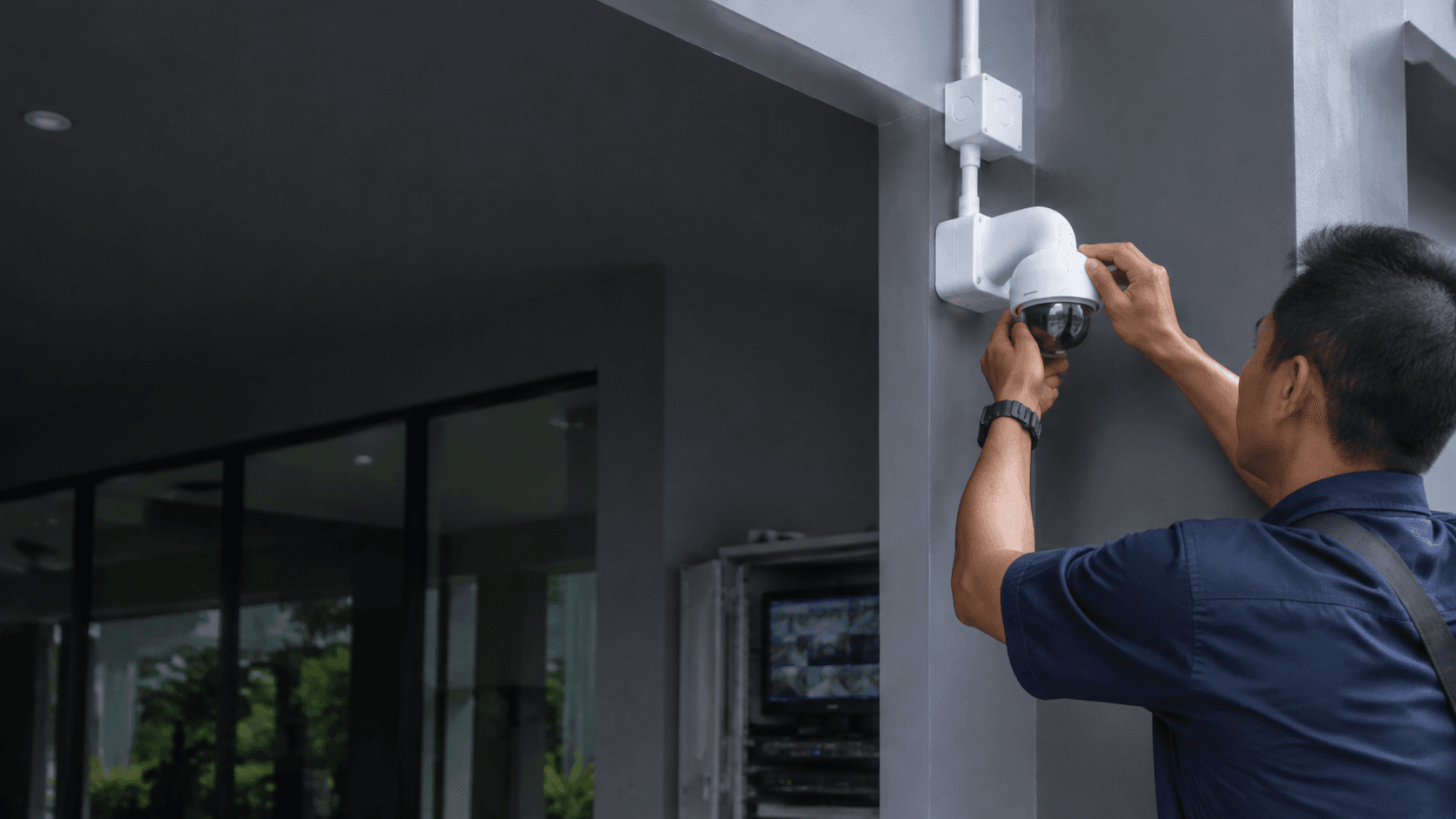
Installation of an Arlo wireless camera is designed for DIY, but the physical placement still determines whether the system performs. The numbered sequence below reflects the general setup process used for battery-powered Wi-Fi cameras.
- Charge the camera fully before mounting, because the first sync and firmware update consume more power than normal operation.
- Download the Arlo Secure app and create an account, then add the camera by scanning the QR code on the device.
- Place the camera within Wi-Fi range at the intended mounting spot and check the signal strength indicator in the app before drilling any holes.
- Mount the camera at least 2.5 metres above ground to keep it out of easy reach and to give the motion sensor a clear line of sight across the area.
- Adjust the motion detection zones in the app so the camera ignores the public road or footpath and focuses on the actual entry points.
- Test the night vision and two-way audio after dark, since lighting conditions change how the camera performs.
The signal check in step three is the step most often skipped, and it causes the most problems later. A camera that shows two bars indoors can drop to one bar when mounted on an exterior wall, especially if the router sits at the opposite end of a Malaysian home. Eyonic's own guidance for camera placement stresses checking actual conditions before confirming a position, and this applies equally to Wi-Fi cameras as it does to wired units.
Arlo Wireless Camera vs. Wired Security Cameras
Choosing between an Arlo wireless camera and a wired CCTV system depends on the property's layout and the level of continuous recording required. Wired systems record around the clock, which means an event is always captured even if no motion triggered an alert. An Arlo wireless camera typically records only when motion is detected, conserving battery but leaving a gap if the camera misses an event or if the detection zone is set too narrowly.
Wired cameras also avoid the two main failure points of wireless units: battery depletion and Wi-Fi interference. A wired system keeps recording during a power outage if it has a backup battery, whereas an Arlo wireless camera stops sending footage when the network goes down. For businesses that need a dependable daily record, such as the Kuching Immigration Office project handled by Eyonic, wired recording with an NVR remains the more reliable choice.
The Arlo wireless camera wins on installation speed and flexibility. A unit can be repositioned in minutes without calling an installer, which suits tenants who cannot modify a building permanently or homeowners who want to test coverage before committing to a full wired system. The cost comparison is not just the hardware price; a wired installation includes cabling labour, which in Malaysia can exceed the camera cost for a multi-point system.
Arlo Wireless Camera Maintenance and Support
An Arlo wireless camera requires more ongoing attention than a wired unit. Battery checks become part of a monthly routine, and firmware updates arrive through the app rather than being handled by an installer. In tropical Malaysian conditions, the weather-resistant housing should be wiped periodically to remove dust and rain residue that can blur the lens or block the motion sensor.
Cloud subscription costs are a recurring consideration. Arlo cameras work without a plan, but the free tier limits recording to live viewing and basic motion alerts. Full features such as cloud video history, person detection, and package detection sit behind the Arlo Secure subscription. Local storage through a base station avoids the monthly fee but requires the base unit to be connected to the network.
Support in Malaysia is a practical constraint. Arlo does not maintain the same local service network as brands like Hikvision, which Eyonic supplies and supports across Sarawak. When an Arlo wireless camera fails outside warranty, the owner typically deals with the retailer or Arlo's regional support rather than a local technician. Buyers should confirm the warranty terms and the seller's return policy before purchase, since importing a unit from overseas can leave the owner without local recourse.
Arlo Wireless Camera Costs and Local Options
Malaysian pricing for Arlo wireless cameras varies widely by model, retailer, and whether the unit is imported or from an authorised distributor. The Essential series generally sits at the lower end, while Pro and Ultra models cost significantly more per camera. A multi-camera kit spreads the cost but still requires the same subscription decision for cloud recording.
For buyers weighing an Arlo wireless camera against a locally supported system, the comparison includes after-sales service. Eyonic's CCTV packages start at RM 1,599 and include site survey, installation, and handover, which covers the labour cost that wireless cameras avoid. A wireless Arlo setup has a lower upfront installation cost but shifts the burden to the owner for mounting, network troubleshooting, and battery maintenance.
The right choice depends on whether the priority is quick, flexible coverage or dependable continuous recording with local support. An Arlo wireless camera suits a homeowner who wants to monitor a specific area without drilling cables and who is comfortable managing the app and battery schedule. A business that needs a reliable daily record, or a property owner who wants a single point of responsibility for maintenance, is often better served by a wired system installed by a local provider like Eyonic. Sharing the property type and coverage area with a security installer clarifies which approach fits before any hardware is purchased.