
That split matters most in Malaysia, where the hardware story is clear but the local monitoring, availability and support picture is not. The sections below cover what the kit contains, how the hub and sensors interact, how the two monitoring paths differ, and which questions to settle before committing.
What a Wyze Alarm System Includes
A Wyze Alarm System is built from a hub plus a set of small battery sensors rather than from a single control panel. Wyze describes the arrangement as sensors placed around a house to report what is happening in it, including a door opening, movement in a room, a temperature change, or water where it should not be.
The component names that appear across Wyze's own product pages are consistent:
- Wyze Sense Hub, the required centre of the system
- Wyze Sense Entry Sensor, for doors and windows
- Wyze Sense Motion Sensor, for interior spaces
- Wyze Sense Keypad, for arming and disarming
- Wyze Sense Climate Sensor, for temperature and humidity
- Wyze Sense Leak Sensor & Probe, for water detection
Wyze sells these as a Core Starter Kit and as separate sensor packs, so a system can start small and grow. Cameras sit alongside the sensors rather than replacing them. Wyze draws the distinction directly: cameras show what a room looks like, while sensors report when something has changed, including in places a camera would never be pointed.
One structural point is worth stating plainly. The Wyze Sense Hub is not optional. Wyze's own guidance is to start with the hub, and the sensors connect through it rather than reporting independently. A buyer who orders sensors without a hub has bought parts of a system, not a system.
How Wyze Alarm System Sensors and the Hub Work Together
The hub is the point where the sensor layer meets the network. Sensors detect a change, the hub receives it, and the Wyze app turns that into a notification, a siren, or a rule that triggers another device.
Each sensor type answers a different question. Entry sensors cover the openings a person uses. Motion sensors cover the interior space behind those openings. Climate and leak sensors cover the slow problems that no intruder causes but that still damage a property. A keypad gives the household a physical way to arm and disarm without opening a phone.
Because the sensors are the trigger layer, the practical design work happens before purchase. Mapping which doors, windows and rooms actually need coverage determines how many sensors the system needs, and that count drives the cost far more than the hub does. Wyze also supports using sensor events to trigger other connected devices, which is where an alarm system starts overlapping with home automation.
Two limits are worth naming. Wyze's published material does not state sensor range, battery life or hub device limits in the pages reviewed here, so those figures should be confirmed against current official documentation rather than assumed. And a sensor-based system reports change; it does not record video. Households that want footage of an event need cameras as well.
Wyze Alarm System Monitoring Options Compared
Wyze splits monitoring into two paths, and the difference is who responds when an alarm fires.
Self-monitoring keeps alerts inside the Wyze app. The household receives the notification and decides what to do. There is no monitoring centre in the loop, and no third party is contacted on the household's behalf. This suits a property that is occupied most of the time, or one where the alarm is mainly a personal awareness tool.
Professional monitoring routes alarms to a monitoring centre that can act on them. Wyze's product material describes a 24/7 professional home security and monitoring service, and Amazon's Wyze storefront states that communication from a real person follows within 5 seconds of an alarm. Wyze's support documentation separates professional monitoring from self-monitoring as two distinct modes.
The trade-off is straightforward. Self-monitoring costs nothing beyond the hardware and depends entirely on someone noticing and acting. Professional monitoring adds a recurring subscription and depends on a monitoring centre being reachable and able to dispatch where the property is.
That second dependency is the unresolved question for Malaysian buyers. No supplied evidence confirms whether Wyze Home Monitoring operates, dispatches, or accepts Malaysian addresses. A subscription that cannot dispatch locally delivers alerts without response, which is a different product from the one the marketing describes. This should be confirmed in writing with Wyze or a local supplier before any subscription is paid.
What to Check Before Choosing a Wyze Alarm System in Malaysia
Availability is the first constraint. Wyze sells primarily through its own store and through Amazon, and the Amazon storefront reviewed here lists Malaysia and Malaysian Ringgit among its regional references. That is a signal about shipping reach, not a confirmation of local stock, warranty service or dealer support.
Warranty handling is the second. A system bought cross-border may need to be returned cross-border if a sensor or hub fails. That is a real cost in time, and it is worth pricing before purchase rather than after.
App and connectivity behaviour is the third. The Wyze app runs on iOS and Android, and the system depends on a working internet connection at the hub. A property with unstable broadband will see delayed notifications regardless of how good the sensors are.
Local installation support is the fourth. A Wyze kit is designed for self-installation, which is an advantage for a confident household and a limitation for anyone who wants mounting, sensor placement and handover handled by someone else. In Sarawak, Eyonic's alarm system installation service covers planning, supply and installation for homes, offices and shops, and its documented process runs through site survey, system proposal, installation and handover. That process is a useful benchmark for what a locally supported installation includes, whether or not the hardware is a Wyze kit.
Budget is the fifth. Eyonic's published Hikvision Alarm System package is RM 1,599 and covers control panel and sensors, siren and zone setup, and user testing and handover. That figure is a local reference point for a professionally installed alarm system, and it is the number a Wyze import should be compared against once shipping, duty and any subscription are added.
Installation and Handover Expectations
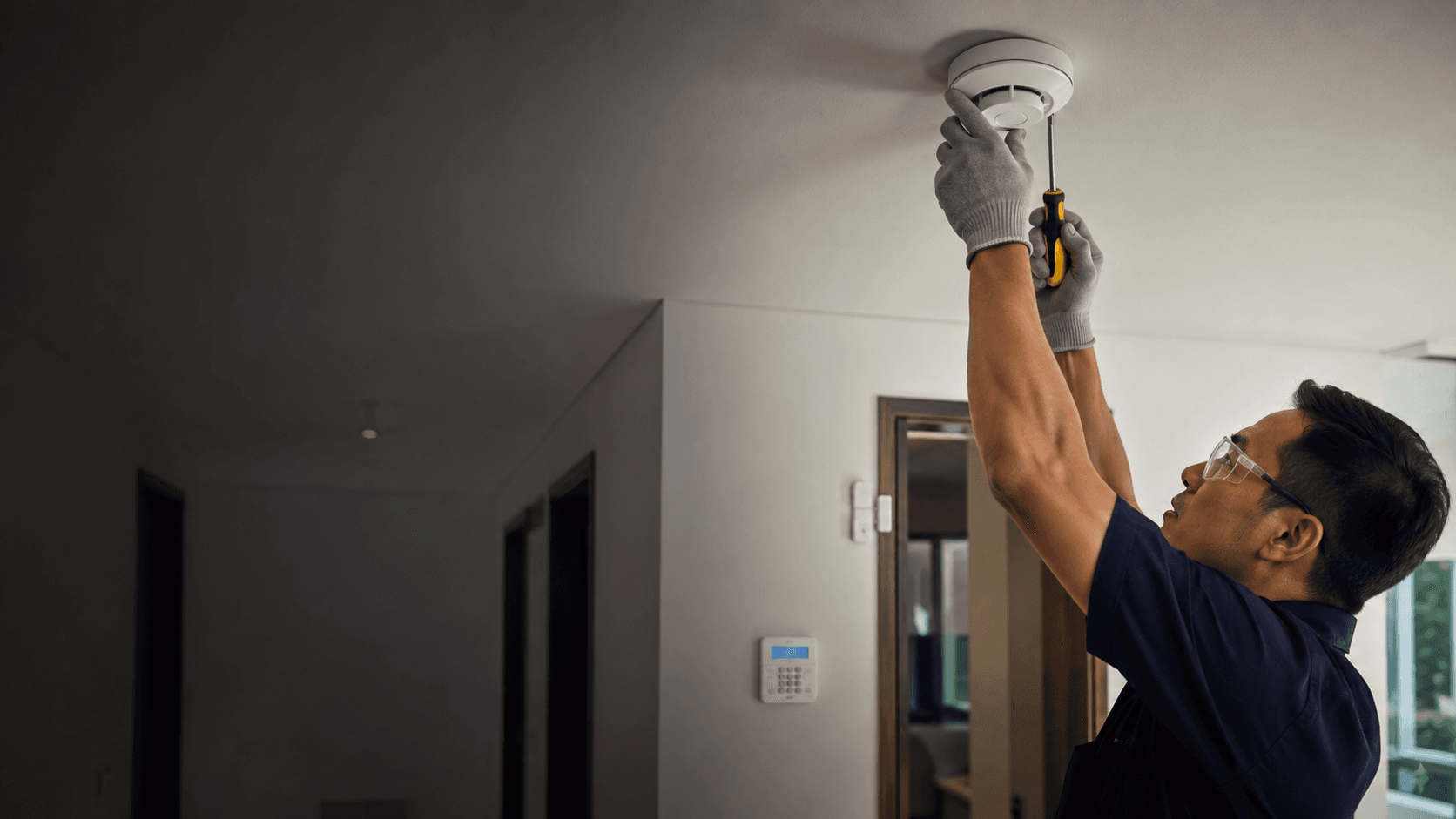
A Wyze Alarm System is positioned as a self-install product. Sensors mount to doors, windows and walls, the hub connects to the network, and the app handles configuration. There is no published installation requirement, handover process or service scope for a Wyze system in Malaysia in the material reviewed here.
Where a locally installed system differs is in what happens after the boxes are opened. Eyonic's documented installation sequence is site survey, system proposal, installation, then handover, and its Hikvision Alarm System package includes siren and zone setup plus user testing and handover. Zone setup is the part self-installers most often get wrong: a sensor that is mounted but not correctly assigned to a zone produces alerts that are hard to interpret under pressure.
Handover is the other difference. A handover walkthrough confirms that each sensor reports, that the siren sounds, and that the household knows how to arm, disarm and silence the system. That step is optional in a self-install and standard in a supplied installation.
For a small office rather than a home, the calculation shifts. Staff need a shared arming routine, and the person who opens the premises is not always the person who set the system up. Eyonic's work for the Kuching Immigration Office focused on arrival flow, staff areas, visitor movement and dependable daily operation, and its KTA Sarawak Sdn Bhd project covered staff movement, visitor handling and tidy cabling. Both are examples of the operational questions that sit outside the hardware specification.
Questions to Ask Before Committing
Work through the following sequence before ordering. It is short, and each item removes a specific uncertainty.
- Confirm that the Wyze Sense Hub is included, since sensors do not operate without it.
- Map every door, window and interior space that needs coverage, then count the entry and motion sensors required.
- Decide between self-monitoring and professional monitoring, and confirm in writing whether professional monitoring can dispatch to a Malaysian address.
- Check the current price of the kit, sensors and any subscription directly with the seller, since none of these are verified here.
- Confirm warranty terms, return route and who handles a failed sensor or hub.
- Decide whether installation and handover will be handled in-house or by a local installer.
Two of those items carry more weight than the rest. Professional monitoring dispatch is the difference between an alarm that summons help and an alarm that only sends a notification. Warranty route is the difference between a failed sensor being a minor inconvenience and a cross-border return.
If the answers to those two are unclear, a locally supplied and installed alarm system removes the uncertainty at a known cost. Eyonic's Hikvision Alarm System package is RM 1,599 and includes control panel and sensors, siren and zone setup, and user testing and handover, with installation handled through a documented survey, proposal, installation and handover sequence.
For a property in Sarawak, share the location, property type and required system with Eyonic on WhatsApp at +60 11-5111 7959 to confirm what a locally installed alarm system would cover.