
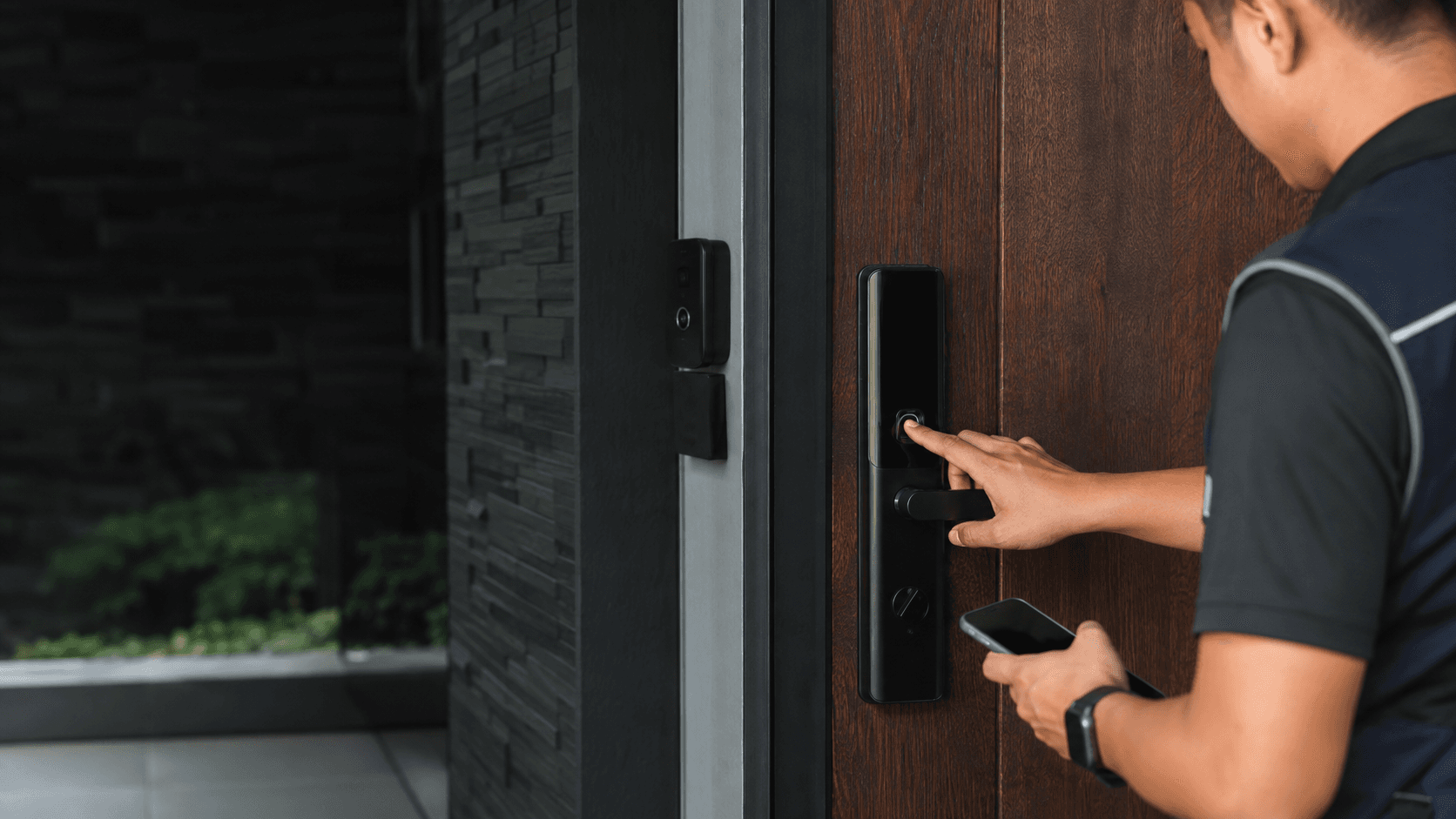
What Is a Z Wave Smart Lock?
A Z Wave smart lock is an electronic door lock that communicates over the Z-Wave wireless mesh network rather than connecting directly to Wi-Fi. The lock itself contains a motorised deadbolt, a keypad or touchscreen, and a Z-Wave radio module. Brands such as Yale, Schlage, Kwikset, and ULTRALOQ build these locks to work with compatible hubs rather than standalone apps.
The key distinction from a standard smart lock is the hub requirement. A Z Wave smart lock does not connect to the internet on its own. It pairs with a controller such as Samsung SmartThings, Ring Alarm, or Hubitat, and that hub provides the remote access and automation logic. This design keeps the lock off the home network, which reduces one class of wireless attack surface.
How Does a Z Wave Smart Lock Work?
Z-Wave operates on a low-frequency radio band that differs from the 2.4 GHz band used by most Wi-Fi routers. Each Z-Wave device acts as a repeater, so a lock at the far end of a house can relay signals through nearby Z-Wave plugs, sensors, or switches to reach the hub. This mesh behaviour extends range beyond what a single direct connection could manage.
When a user enters a code on the keypad, the lock verifies the credential locally and turns the deadbolt motor. When a command arrives from the hub app, the hub sends an encrypted instruction across the mesh network to the lock. The lock reports its status back, so the app can show whether the door is locked or unlocked.
Z-Wave security has improved across hardware generations. Modern Z-Wave locks use S2 encryption for pairing and communication, and SmartStart simplifies adding new devices by scanning a QR code on the lock. Older Z-Wave locks without S2 remain functional but lack the stronger authentication of newer models.
Why Choose a Z Wave Smart Lock?
The main reason to select a Z Wave smart lock is hub integration. Homes that already run SmartThings, Hubitat, or a Z-Wave security panel can add the lock to existing scenes and automations. For example, a lock can trigger interior lights to turn on when the door unlocks, or an alarm system can arm itself when the last user code locks the door.
Battery life is another practical advantage. Z-Wave radios consume less power than always-on Wi-Fi modules, so many Z-Wave locks run for months on AA batteries. The trade-off is that the lock depends on the hub for remote features. If the hub goes offline, the keypad and physical key still work, but app-based remote control stops until the hub recovers.
Eyonic, a security system supplier in Sarawak, notes that smart locks work best when the door condition, user roles, and backup method are reviewed before installation. For business use, Eyonic checks whether a standalone smart lock or an access-control panel is more appropriate. This distinction matters because a single Z Wave smart lock suits a home or small office, while a larger premises with many staff may need a centralised access-control system.
Z Wave Smart Lock vs Wi-Fi Smart Lock
Wi-Fi smart locks connect directly to a router and work through the manufacturer's app without a separate hub. Setup is simpler for a single door, and the lock remains reachable as long as the router and internet connection are up. The cost is higher power draw, which shortens battery life, and each Wi-Fi lock occupies a slice of the home network.
A Z Wave smart lock shifts the networking burden to the hub. The lock itself stays quiet on the network, and the hub handles internet connectivity. This arrangement suits homes with several Z-Wave devices because the mesh strengthens as more devices join. The drawback is that a Z Wave smart lock is useless for remote control until a compatible hub is installed and configured.
For a Malaysian home already invested in a Z-Wave ecosystem, the protocol choice is straightforward. For a buyer starting fresh with one door, a Wi-Fi lock may be simpler. The deciding factor is whether the home already has a hub or plans to build a broader automation network.
How to Choose a Z Wave Smart Lock
Selecting a Z Wave smart lock starts with hub compatibility. Not every Z-Wave lock works with every hub, so the first check is whether the lock's certification list includes the hub model in use. Yale Assure locks, for instance, advertise compatibility with Ring Alarm, Samsung SmartThings, and Wink. Schlage Connect locks target similar Z-Wave hubs.
Door fit comes next. Z-Wave deadbolts replace an existing deadbolt, so the door must have the standard bore hole and backset. Door thickness and alignment affect whether the latch engages cleanly. A misaligned door causes the motor to strain, which drains batteries and can lead to false "jammed" alerts.
User management matters for households with cleaners, helpers, or frequent guests. Most Z-Wave locks store between 20 and 100 user codes, and the hub app controls which codes are active and when. Temporary codes for a contractor or a weekend guest can be set to expire automatically.
Backup entry is non-negotiable. Every Z Wave smart lock should include a physical key override, a 9V battery jump terminal on the exterior, or both. When batteries die and the hub is unreachable, the backup method is the only way through the door.
Installation and Setup Tips for Z Wave Smart Locks
Installing a Z Wave smart lock follows a consistent sequence, but the details vary by model and door type. The steps below cover the general process for a standard deadbolt replacement.
- Check the door thickness, backset, and bore hole alignment against the lock's specifications before removing the existing deadbolt.
- Confirm the hub model and its Z-Wave generation are compatible with the lock's radio version, such as Z-Wave Plus or Z-Wave 800 Series.
- Install the deadbolt latch, exterior keypad, and interior motor assembly, then test the mechanical lock with the physical key before adding power.
- Put the hub into pairing mode and use the lock's SmartStart QR code or a manual inclusion command to join the Z-Wave network.
- Set up user codes, auto-lock timing, and any automation scenes through the hub app after the lock reports a solid connection.
- Test every entry method, including the keypad, physical key, hub app, and any voice assistant integration, and confirm the lock reports status correctly.
Eyonic's installation process for security systems includes a site survey, system proposal, installation, and handover. The same discipline applies to a smart lock. A site survey checks the door condition and user flow before equipment is ordered. For a public office such as the Kuching Immigration Office, where Eyonic focused on arrival flow, staff areas, and visitor movement, the lock placement and user permissions would need to match how people actually enter and leave the building.
Signal strength is a common hidden issue. A Z Wave smart lock installed behind a metal door or in a reinforced concrete wall may struggle to reach the hub. A Z-Wave repeater, such as a plug-in module placed between the lock and the hub, often resolves marginal connections. Testing the lock's signal strength during setup is faster than troubleshooting a flaky connection later.
Battery monitoring should be configured from day one. Most hubs display the lock's battery level, and low-battery alerts arrive through the app. Replacing batteries before they fail prevents a locked-out situation. Keeping the physical key accessible during the lock's lifetime is the simplest insurance against any electronic failure.
For Malaysian homes and offices, humidity and heat affect lock performance over time. Interior-mounted electronics are less exposed than exterior keypads, but direct sunlight and rain on the outside unit can degrade seals. Checking the lock's weather resistance rating against the door's exposure is a practical step before purchase.
Eyonic's project work shows how access decisions scale with premises size. The KTA Sarawak Sdn Bhd project needed a practical office setup in Kuching to support staff movement, visitor handling, and clearer daily site control. A single Z Wave smart lock on a staff entrance can handle that scale. A larger facility with multiple doors and dozens of staff would likely move to an access-control panel system, which Eyonic evaluates on a case-by-case basis.
For a homeowner in Malaysia considering a Z Wave smart lock, the practical path is to confirm the hub first, measure the door second, and choose a lock that matches both. The technology is mature, the installation is manageable for a standard door, and the ongoing benefit is a lock that participates in the wider home automation network rather than operating as an isolated gadget.