
What a Smart Lock Front Door Replaces
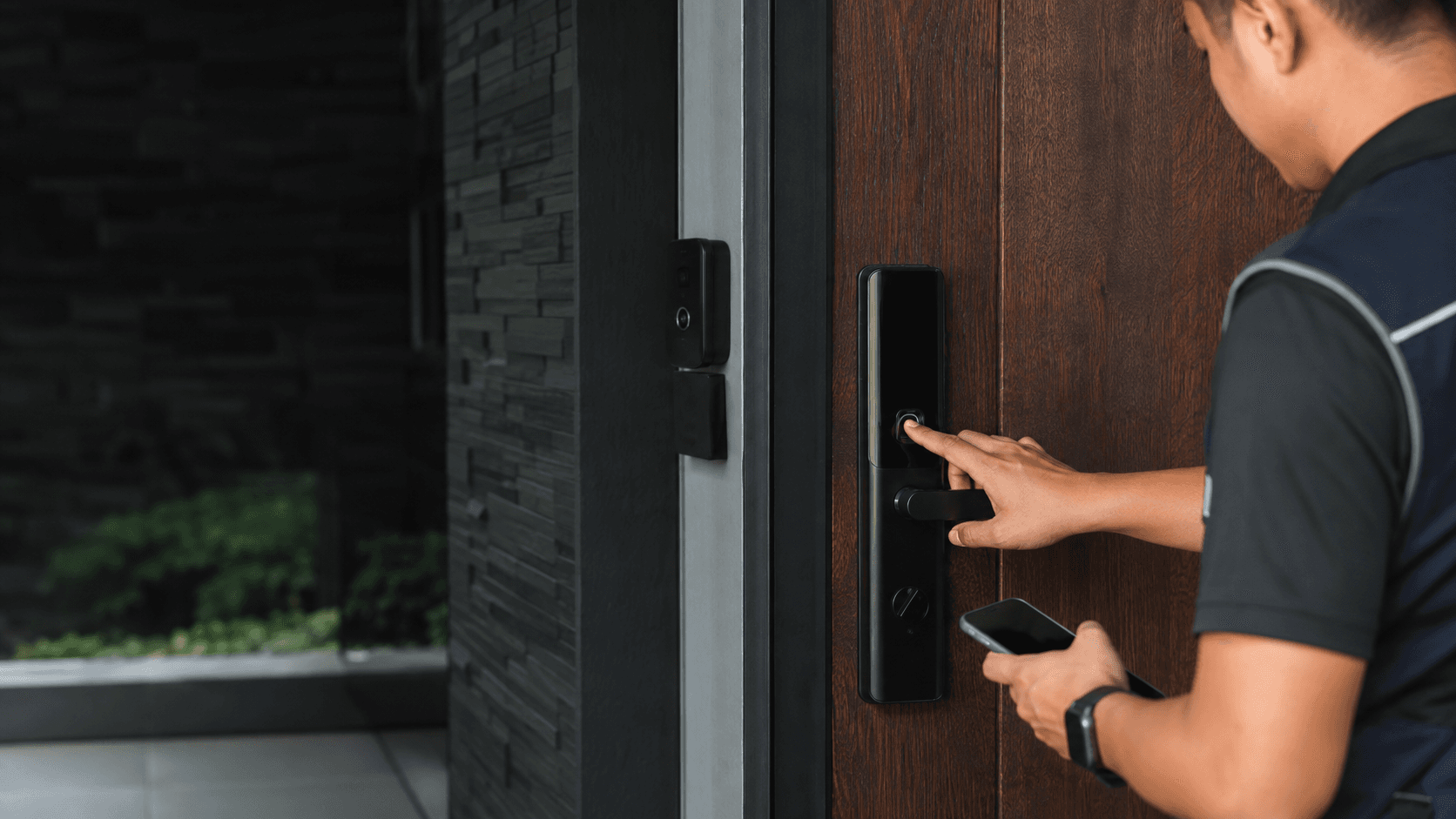
A smart lock front door setup swaps the traditional keyed deadbolt for an electronic lock body that still fits the same door prep. The main change is on the inside: a motorised latch or deadbolt that turns when the lock receives the right signal. The outside face carries the keypad, fingerprint reader, or both, while the interior unit holds the battery pack and the motor.
Most units sold for residential use are standalone smart locks. They do not need a separate controller panel or wired power. That makes them a direct swap for an existing deadbolt on a standard front door. For business premises, Eyonic usually checks whether a standalone smart lock or a full access-control panel is more appropriate, because staff turnover and audit needs change the calculation.
How a Smart Lock Front Door Works
The lock listens for an authorised signal and then turns the latch or deadbolt. That signal can come from a fingerprint scan, a PIN typed on the keypad, a phone app over Bluetooth or Wi-Fi, or a physical key in an emergency cylinder.
Fingerprint readers map the ridge pattern and compare it against enrolled prints stored on the lock. Keypads accept a code that the owner sets. App control sends an unlock command over Bluetooth when the phone is near, or over Wi-Fi when the phone is anywhere with an internet connection. Many locks also support auto-lock, which re-engages the deadbolt after a set delay once the door closes.
The lock runs on batteries, usually AA cells or a rechargeable pack. When power runs low, the motor slows and the lock may stop responding. Most models give audible or app warnings before the battery dies, and nearly all include a physical key override or an external battery port for a temporary boost.
Key Features to Compare for a Smart Lock Front Door
Not every smart lock front door suits every household. The features that matter depend on who uses the door and how often.
- Check the door thickness and the existing deadbolt hole spacing to confirm the lock body fits without new drilling.
- Decide which access methods matter: fingerprint, keypad, app, or a combination, since each adds cost and complexity.
- Verify connectivity needs. Bluetooth-only locks work offline, while Wi-Fi or Matter support enables remote control and voice assistants.
- Confirm a backup entry path exists, such as a physical key or an external battery terminal, for power failures.
- Review how many user codes or fingerprints the lock stores and whether access schedules or audit logs are available.
- Plan installation support if the door has alignment issues, a metal frame, or non-standard prep.
Fingerprint locks suit households where members carry groceries or children and do not want to juggle keys. Keypad-only locks cost less and work well for homes with frequent guests, cleaners, or service visits, because codes can be issued and revoked. App-connected locks add remote locking and unlock history, which helps owners confirm the door is secured after leaving.
Battery life varies widely. Locks with Wi-Fi radios draw more power than Bluetooth-only units because the radio stays active to receive commands. A lock that connects only when used will run longer between battery changes than one that maintains a constant connection.
Installation Considerations for a Smart Lock Front Door
Door condition drives most installation problems. A smart lock front door needs a properly aligned strike plate and a latch that meets the frame cleanly. If the door sags or the deadbolt hole is worn, the motor may struggle to turn the latch, draining batteries faster and causing false lock failures.
Standard timber doors in Malaysia usually accept a smart lock retrofit without modification, provided the backset and crossbore match the new unit. Metal doors and some hollow-core doors need different mounting hardware or may not suit a retrofit lock at all. Checking the door edge thickness and the distance from the door edge to the centre of the deadbolt hole is the first practical step.
Eyonic's installation process for security systems follows a site survey, system proposal, installation, and handover sequence. That same logic applies to a smart lock: the survey confirms the door type and frame condition, the proposal matches the lock to the access needs, and the handover covers how to enrol users and manage backup entry.
Smart Lock Front Door. Security and Practical Tips
A smart lock front door changes the threat model from physical key copying to digital credential management. The lock is only as secure as the codes and fingerprints enrolled on it. A shared PIN passed to many people is harder to revoke cleanly than individual codes that can be deleted one at a time.
User permissions matter most in shared households or rental properties. Individual codes let the owner see who entered and when, and remove access for a specific person without rekeying the whole lock. Audit logs record entry events, which helps spot unexpected access patterns.
Backup entry is the critical edge case. If the battery dies and the physical key is lost, the only way in is to break the lock or call a locksmith. Keeping the emergency key somewhere accessible but not obvious, and replacing batteries on a schedule rather than waiting for warnings, prevents most lockouts.
For business use, Eyonic's review guidance notes that a standalone smart lock may not provide the central management that an access-control panel offers. A panel system gives an administrator control over many doors, time-based access rules, and a single audit trail. A standalone smart lock front door suits a single entry point with a small, stable user group.
Choosing the Right Smart Lock Front Door for Your Home
Match the lock to the door, not the other way around. A retrofit deadbolt replacement suits most timber front doors. A lever-handle smart lock suits doors without a deadbolt, such as side entrances or internal office doors. A full access-control panel only becomes necessary when multiple doors need central management.
Connectivity choice affects daily use. Bluetooth-only locks are simple and battery-friendly but require the phone to be nearby. Wi-Fi locks allow remote checking and unlocking from anywhere, which helps when a family member arrives early or a delivery needs to be left inside. Matter support adds compatibility across Apple, Google, and Alexa ecosystems, reducing the risk of buying a lock that will not talk to the existing smart home setup.
Eyonic's project work shows the value of matching the system to the site. The Kuching Immigration Office project focused on arrival flow, staff areas, visitor movement, and dependable daily operation, which required thinking beyond a single door. A home front door has a simpler job: reliable entry for a known group of people, with a clear backup when power or connectivity fails.
The practical test before purchase is simple. Measure the door, list who needs access, decide whether remote control matters, and confirm a backup key exists. A smart lock front door that passes those checks will serve well; one that fails any of them will create daily friction.