
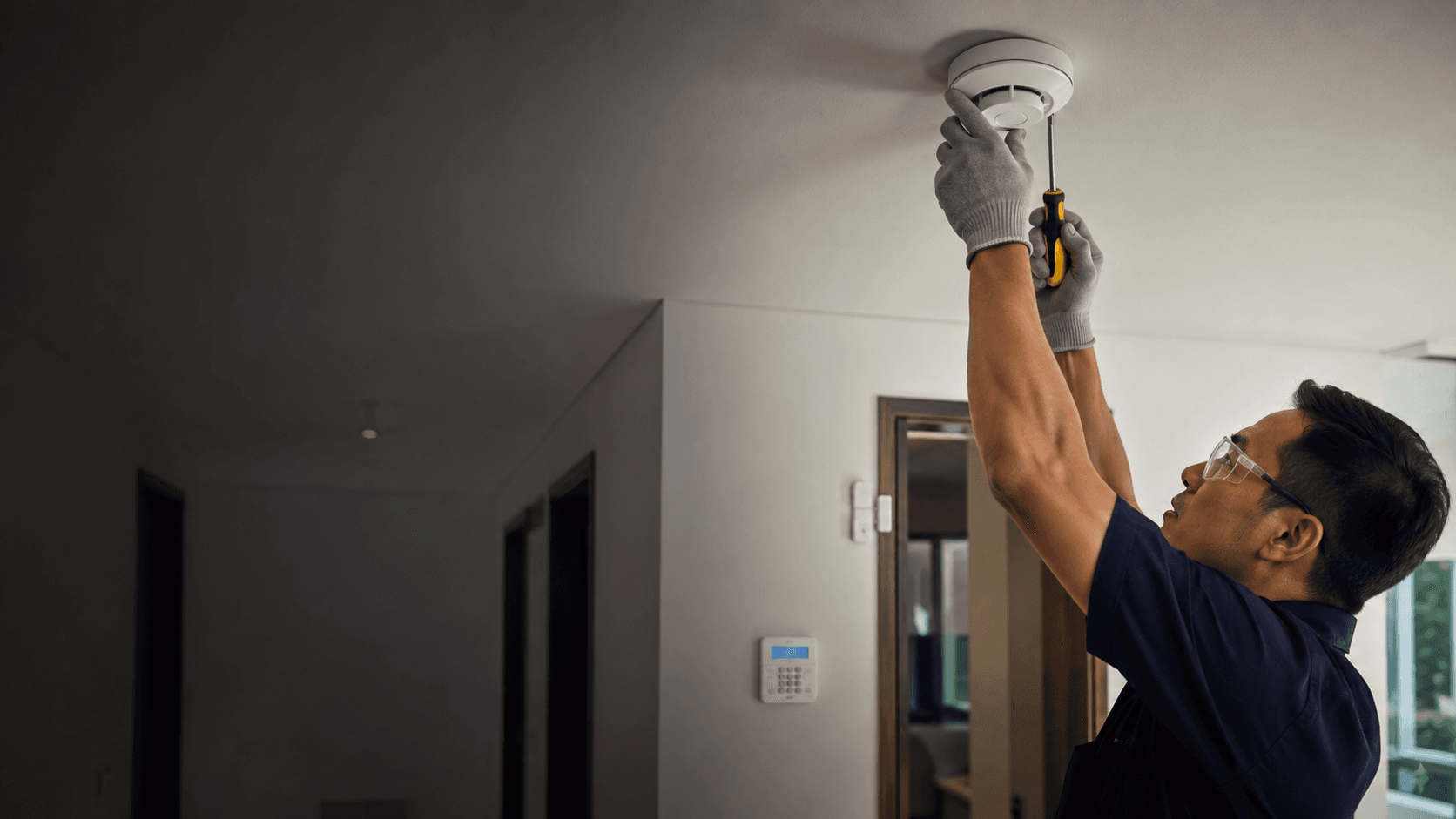
That combination places it between a bare sensor kit and a professionally installed alarm panel. The sections below cover what the kit includes, how it behaves day to day, where it fits, and where it does not.
What the Eufy Alarm System Includes
The published 5-piece kit pairs a HomeBase with entry sensors and a motion sensor, and it arms or disarms through the eufy Security app or a keypad. Setup is described as effortless, with instant alerts and no monthly fees attached to the core kit.
Two sensor types do the detection work. Entry sensors mount on doors and windows and report when a protected opening is disturbed. The motion sensor covers a room or corridor and its sensitivity is adjustable, which matters in spaces with pets or moving air.
Because the hub is the centre of the system, the alarm is not a standalone siren. Sensors report to the hub, the hub raises the alert, and the app carries that alert to a phone. That architecture is what makes expansion possible and also what makes the hub a single point of dependency.
How the Eufy Alarm System Works Day to Day
Daily use is mostly arming, disarming, and responding to notifications. The kit supports custom security modes, so a home can run a different configuration when everyone is out than it does overnight.
Alerts arrive as app notifications. The system is self-monitored by default, which means the person holding the phone is the one who decides whether an alert is real and what to do about it.
Professional monitoring is available as a separate subscription layer rather than a built-in function of the hardware. Published material describes 24/7 monitoring, dispatch response, custom monitoring settings, emergency contacts, and a practice mode, along with tiered protection plans. Those are subscription features, not kit features, and they should be treated as a separate decision from the hardware purchase.
Expansion runs through the same ecosystem. Cameras, video doorbells, smart locks, and sirens are named as compatible additions, so a starter alarm kit can grow into a broader home security setup without replacing the hub.
Choosing the Right Eufy Alarm System Setup
Kit size should follow the number of openings that actually need coverage, not the number of rooms in the property. A ground-floor flat with two entry doors and four accessible windows has a different sensor count from a landed property with a side gate and a rear yard.
Work through the decision in this order:
- Count the doors and ground-accessible windows that need entry sensors.
- Identify the rooms or corridors where a motion sensor would catch movement before anyone reaches a protected area.
- Decide whether the household will self-monitor through the app or pay for a monitoring subscription.
- Check whether cameras, a video doorbell, or a smart lock should join the same hub now or later.
- Confirm the hub location has stable power and reliable Wi-Fi coverage.
- Test every sensor and the siren after installation, then confirm the app alerts reach each household member who needs them.
The subscription question is the one most likely to change the total cost of ownership. A self-monitored kit has no recurring fee for the core alarm function, while professional monitoring adds an ongoing charge in exchange for dispatch handling when nobody responds to an alert.
Practical Considerations for Eufy Alarm System Buyers
Self-monitoring shifts responsibility to the household. An alert that nobody sees is not a response, so notification settings and emergency contacts deserve the same attention as sensor placement.
Battery-powered sensors need periodic attention. Entry and motion sensors run on batteries, and a sensor that has gone flat is a gap in coverage rather than a fault the system will always surface clearly.
Wireless reliability depends on the hub's connection. If the hub loses power or network access, app alerts and any monitoring service that depends on that connection are affected. A hub placed near the router and on a circuit that is not switched off casually reduces that risk.
For properties in Sarawak, the practical questions are similar to those raised for camera work: where the entry points actually are, how the space is used during the day, and whether the installation can be done tidily. Eyonic's completed work at the Kuching Immigration Office focused on arrival flow, staff areas, visitor movement, and dependable daily operation, and its KTA Sarawak Sdn Bhd project covered staff movement, visitor handling, and tidy cabling. Those are the same considerations that shape an alarm layout in a working building.
Alarm hardware is also only one layer. Eyonic supplies and installs alarm systems alongside CCTV, autogate, keyphone intercom, and Starlink internet work in Sarawak, so an alarm decision can be made in the context of the rest of the property's low-voltage systems rather than in isolation.
Making an Informed Choice About the Eufy Alarm System
The kit suits a household that wants app-based control, expandable sensors, and no mandatory monthly fee, and that is willing to act on its own alerts. It suits renters and owners who want to start small and add cameras or a doorbell later.
It fits less well where a monitored response is the whole point, where nobody reliably checks a phone, or where the property needs a wired, professionally maintained panel with a service contract behind it.
Two practical checks reduce the chance of disappointment. First, confirm the sensor count against the actual openings before ordering, because a kit that covers the front door but not the rear windows leaves an obvious route uncovered. Second, decide the monitoring question before installation rather than after, since it changes both the setup and the ongoing cost.
For a Sarawak property, the next useful step is a site-specific conversation. Share the location, property type, and the system required with Eyonic on WhatsApp at +60 11-5111 7959, and the alarm layout, sensor count, and any related CCTV or autogate work can be scoped against the actual building.