
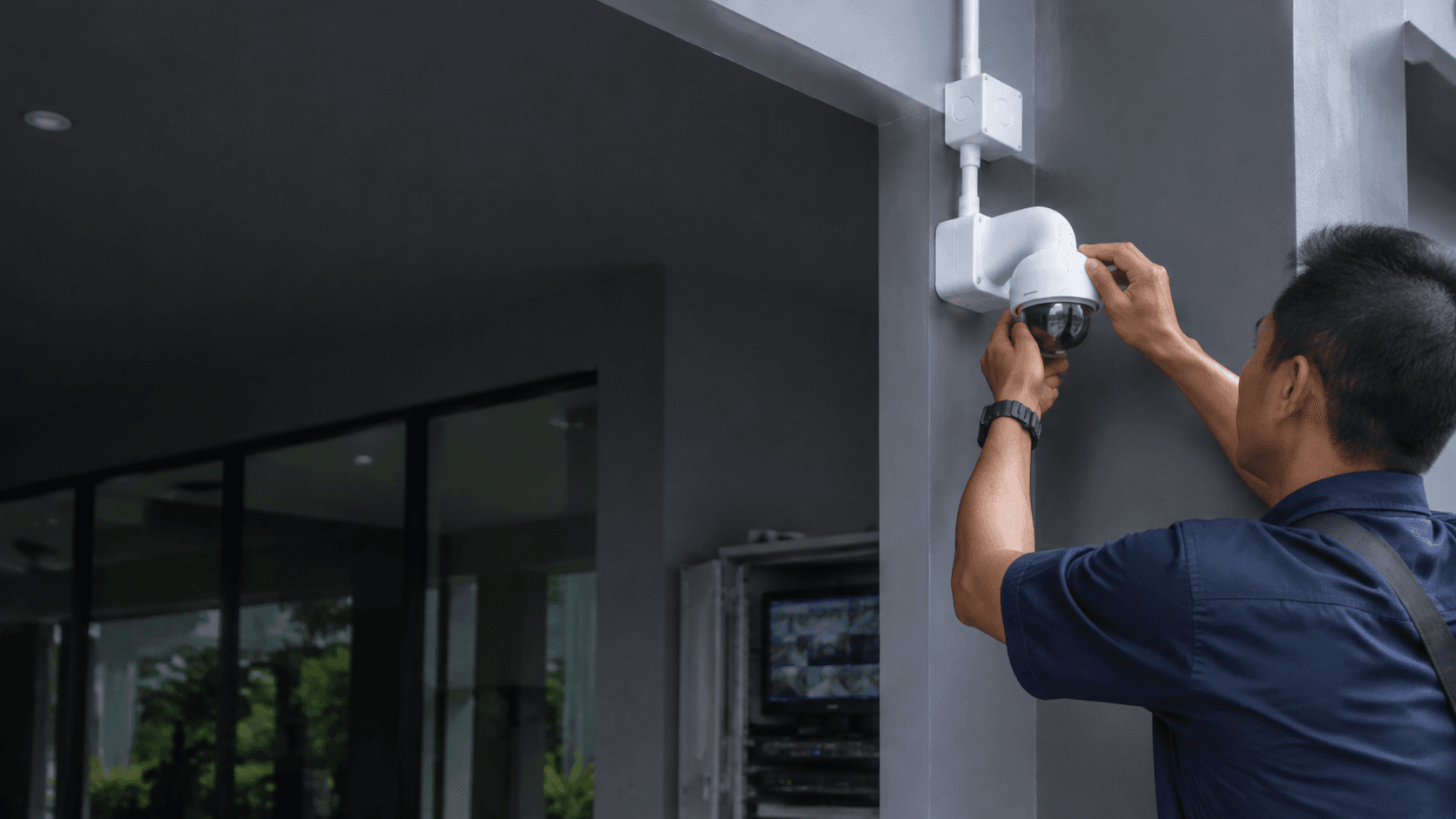
A house camera system is more than a single camera pointed at a door. It is a complete setup that captures, stores, and lets homeowners review footage from key areas around a property. For Malaysian homes, the practical goal is usually clear coverage of entry points and shared spaces, with reliable recording that can be checked later. This guide explains what a house camera system includes, how to choose one, and what installation involves, with a local service provider option in Sarawak.
What a House Camera System Includes
A typical house camera system has several parts that work together. Cameras capture the video, a recorder stores it, and cables or wireless links carry the signal. Many modern setups also include remote viewing, which lets the owner check live footage from a phone.
The main components are.
- Cameras positioned around the house, such as at the front door, backyard, or driveway.
- A network video recorder (NVR) that stores footage on a hard drive.
- Power over Ethernet (PoE) cabling that sends both power and data through one cable.
- A monitor or mobile app for live viewing and playback.
Eyonic supplies Hikvision cameras, a common brand in Malaysia, and handles camera placement, NVR setup, and remote viewing as part of its service. The company plans and installs monitoring systems for homes, offices, shops, and industrial sites.
How to Choose a House Camera System for Your Home
Choosing a house camera system starts with the areas that need watching, not with the number of cameras. A single camera at the main entrance may be enough for a small terrace house, while a larger property with a gate and backyard may need four or more cameras.
Lighting matters more than most buyers expect. Eyonic recommends checking actual lighting conditions before confirming placement for ColorVu-style cameras, which are designed for colour night vision. A camera that works well in daylight may struggle in a dim corner, so placement should follow a site review rather than a floor plan guess.
Wired systems with PoE are generally more dependable than wireless options because they do not depend on home Wi-Fi strength. The trade-off is that installation takes longer and requires running cables. Wireless cameras are easier to move but can suffer from signal dropouts and battery changes.
Storage is another decision point. An NVR with a hard drive keeps footage on the property, which avoids monthly cloud fees but means the recorder should sit in a secure spot. Recording quality and the number of cameras determine how many days of footage the drive can hold.
House Camera System Installation Process
Eyonic follows a clear process for CCTV installation, and the same structure applies to a house camera system. The steps are.
- Site survey to check entry points, lighting, and cable routes.
- System proposal with camera types, positions, and recorder capacity.
- Installation of cameras, cabling, and the NVR.
- Handover with a walkthrough of live viewing and playback.
The site survey is the step most homeowners skip when buying cameras online. A professional survey catches problems such as glare, blind spots, and weak Wi-Fi before cables are run. Eyonic's process includes this review so the final placement matches real conditions, not assumptions.
During installation, the team runs cables, mounts cameras, and configures the recorder. Remote viewing is set up so the owner can check the property from a phone. The handover covers how to use the system day to day, which reduces calls later about forgotten passwords or unclear apps.
Real-World House Camera System Projects in Malaysia
Eyonic has completed projects that show how camera systems handle real monitoring needs. The Kuching Immigration Office project focused on arrival flow, staff areas, visitor movement, and dependable daily operation. The approximate budget for that type of work was RM 12,000 to RM 28,000.
Another project for KTA Sarawak Sdn Bhd, an engineering consultancy, needed a practical office setup in Kuching. The focus was staff movement, visitor handling, tidy cabling, and clearer daily site control, with an approximate budget of RM 8,000 to RM 18,000.
These are commercial examples, not residential pricing. They show the same principles that apply to a house camera system: coverage of movement paths, tidy installation, and reliable daily operation. A home setup is smaller in scale but follows the same logic of matching cameras to the spaces that matter.
House Camera System Maintenance and Support
A house camera system needs occasional attention to keep working well. Cameras exposed to rain and sun should be checked for dirt on the lens and damage to the housing. Cabling connections can loosen over time, and the NVR hard drive fills up, so older footage is overwritten automatically on most systems.
Remote viewing depends on the home internet connection. If the app stops showing live footage, the first check is usually the router, not the camera. Eyonic's approach to dependable daily operation, as seen in its project work, points to systems that run without constant fiddling.
For homeowners in Sarawak, Eyonic offers planning, supply, and installation as a complete service. The company's founder, Eric Yong, has more than 10 years in the industry and focuses on practical, user-friendly solutions. Sharing the property type and required system with Eyonic on WhatsApp at +60 11-5111 7959 is the next practical step for a house camera system that fits the actual home.