
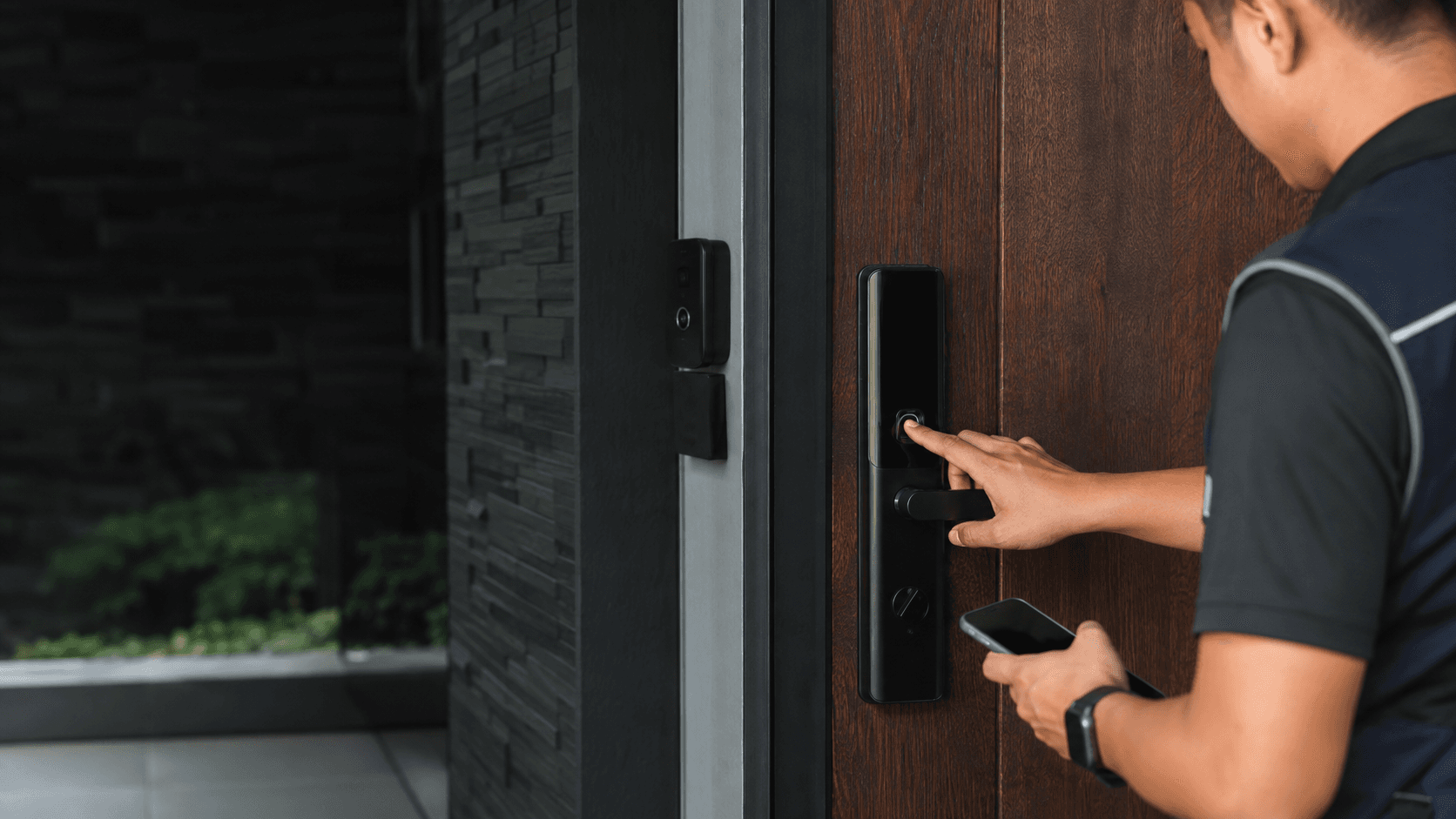
What is a Kwikset keypad lock?
A Kwikset keypad lock replaces the traditional key-turning routine with a numeric entry system mounted directly on the door. Instead of fumbling for keys, a person enters a pre-set code on the built-in keypad or touchscreen to retract the deadbolt. The lock body still contains a mechanical cylinder, so the physical key remains available when the battery dies or the code is forgotten.
The design suits homes, rental properties, and offices where controlling who enters without duplicating keys matters. Kwikset positions these units as keyless entry solutions, and the product family spans basic push-button pads to touchscreen models with smart home connectivity. For anyone evaluating a Kwikset keypad lock, the core question is whether the convenience of code-based access outweighs the added responsibility of battery maintenance and code management.
How a Kwikset keypad lock works
The operating principle is straightforward: the keypad sends an electronic signal to a motor inside the deadbolt when the correct code registers. Kwikset electronic locks are operated by an electronic keypad or touchscreen, and users enter a personalized access code to unlock the door. Locking typically requires a single touch of a button or the lock symbol, which reverses the motor and extends the bolt.
Most Kwikset keypad locks share a common activation flow. The touchscreen or keypad stays dormant until touched, then lights up for code entry. After the correct digits are entered, the bolt retracts and the door opens. The same mechanism applies whether the unit is a standalone electronic deadbolt or a connected smart lock, though connected models add remote control through a phone app or hub.
Kwikset keypad lock features and security
Kwikset builds several protective layers into its keypad locks. SecureScreen technology prevents fingerprint smudges from revealing frequently used digits by displaying random numbers before each code entry. This matters because repeated contact with the same keys leaves visible marks that can tip off an observer. The random digit display forces a user to locate their code numbers fresh each time, obscuring the pattern.
The backup keyway is another defining feature. Kwikset electronic locks have a back-up keyway, meaning the lock never depends entirely on electronics. If the battery drains completely, the mechanical key still operates the cylinder. Many Kwikset models also incorporate SmartKey technology, which allows re-keying the lock to match an existing key in seconds without removing the cylinder from the door.
Security considerations extend beyond the lock itself. A Kwikset keypad lock removes the risk of lost or copied keys, but introduces code-sharing risks. Codes shared with contractors, cleaners, or guests remain valid until deleted, so household managers must audit active codes periodically. For business settings, Eyonic's smart lock guidance notes that user permissions and backup entry should be planned properly before installation, and that a standalone smart lock may not suit every commercial door.
Choosing a Kwikset keypad lock for your door
Door condition and physical fit determine whether a Kwikset keypad lock performs reliably. Eyonic, a security system supplier in Sarawak, Malaysia, advises that smart locks work best when the door condition, user roles, and backup method are reviewed before installation. A warped door, misaligned strike plate, or non-standard bore hole can cause the deadbolt to bind, which drains batteries faster and creates false lock errors.
Key selection criteria include.
: Standard US doors use a 2-3/8 inch or 2-3/4 inch backset, but Malaysian doors may follow different conventions. Measuring before purchase prevents a frustrating return.
: Kwikset deadbolts typically fit doors between 1-3/8 inches and 1-3/4 inches thick. Thicker solid-core doors may need longer bolts or adapter kits.
: Push-button pads work in most weather, while touchscreens offer a sleeker look but can be less responsive with wet fingers during Malaysia's rainy season.
: Wi-Fi and Z-Wave models allow remote locking and unlocking, but require a stable network connection near the door. A non-connected Kwikset keypad lock avoids that dependency entirely.
: Front-accessible battery compartments allow changes without opening the door, which matters for rental units where interior access is limited.
Installing and maintaining a Kwikset keypad lock
Installation follows a predictable sequence that most DIY homeowners can complete with basic tools. The process mirrors standard deadbolt replacement, with the electronic components adding a few extra steps.
- Remove the existing deadbolt or lockset from the door, keeping the interior and exterior escutcheons separate.
- Confirm the door's bore hole and latch bore align with the Kwikset template; enlarge or adjust if the existing holes do not match.
- Insert the new deadbolt latch into the edge bore, ensuring the bolt faces the correct direction for the door's swing.
- Mount the exterior keypad assembly through the main bore hole, feeding the cable through to the interior side.
- Connect the cable to the interior assembly, then secure both escutcheons with the provided screws without over-tightening.
- Install fresh batteries and test the keypad activation before programming any user codes.
- Program the master code and additional user codes according to the model's instructions, then test the lock from both the interior thumb turn and the exterior keypad.
- Verify the backup key operates smoothly before closing the door fully.
Maintenance centers on battery health and mechanical alignment. Most Kwikset keypad locks signal low battery with a warning beep or flashing light well before failure, giving time to swap in fresh cells. The backup key becomes essential only when batteries are completely drained, so keeping the key accessible matters even in a keyless setup.
Climate affects performance in tropical regions. High humidity can corrode battery contacts over time, and direct rain exposure may seep into poorly sealed keypads. Installing the lock under a covered porch or awning extends its lifespan. Eyonic's approach to camera placement, checking actual lighting conditions before confirming placement, reflects a similar principle: site conditions determine equipment performance more than the spec sheet does.
For commercial or high-traffic doors, the calculus changes. Eyonic usually checks whether a standalone smart lock or an access-control panel is more appropriate for business use. A residential Kwikset keypad lock handles dozens of entries daily, but a busy office door may cycle hundreds of times, wearing out the motor and batteries quickly. In those cases, a purpose-built access control system with centralized user management often outperforms a retrofit keypad lock.
The practical takeaway. a Kwikset keypad lock delivers genuine convenience for homes and small offices where a handful of users need reliable, key-free access. The backup keyway and SecureScreen technology address the two most common objections, while battery life and code management remain the ongoing trade-offs. Matching the lock to the door's physical condition and usage pattern determines whether the upgrade feels seamless or becomes a recurring maintenance task.