
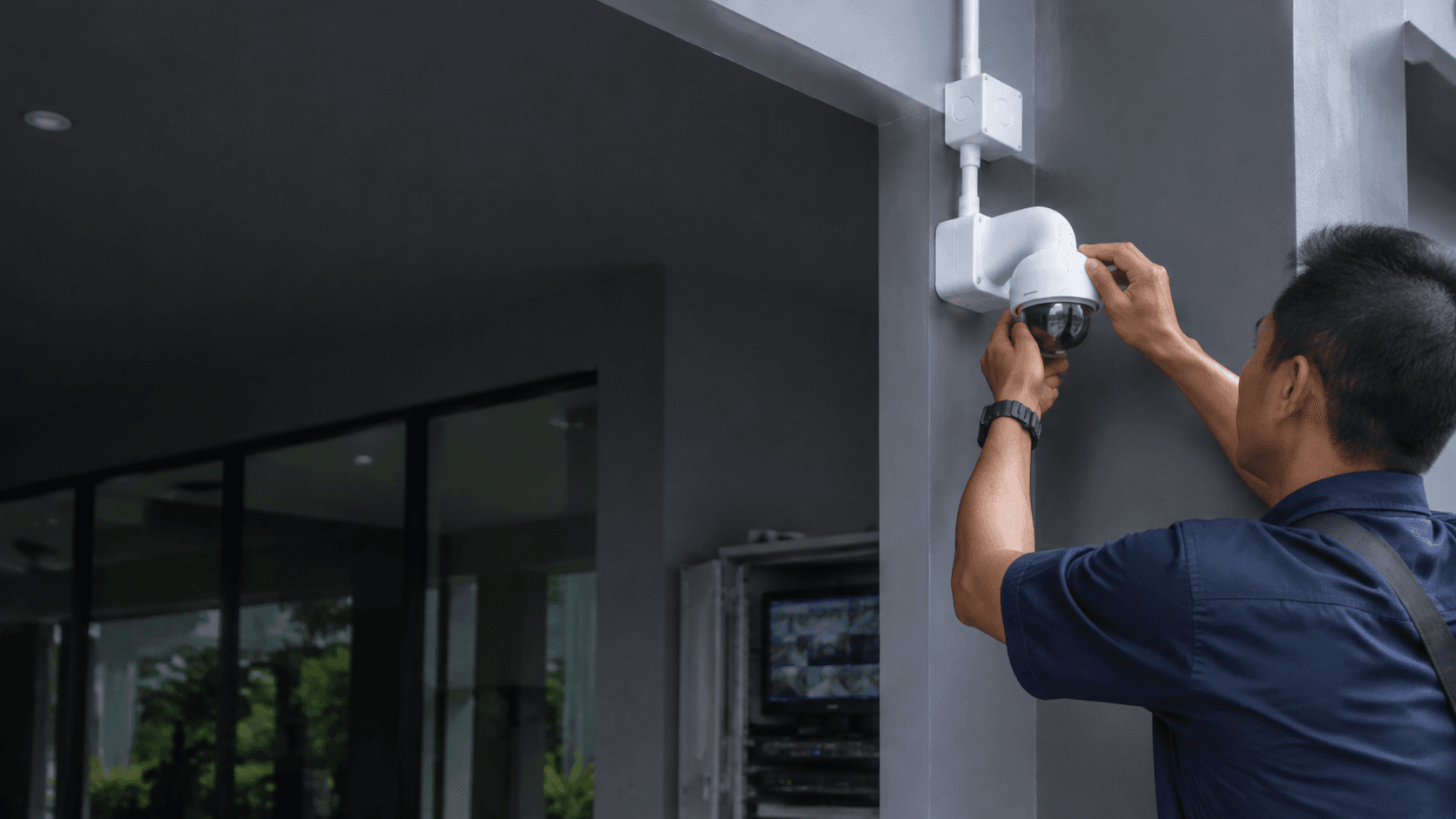
Lorex is a North American security brand known for wired and wireless camera systems. Most Lorex CCTV packages use Power over Ethernet (PoE) cameras connected to a network video recorder (NVR), which stores footage on a built-in hard drive. The systems are marketed for do-it-yourself installation, with no monthly fees for local recording.
What Lorex CCTV Systems Offer
Lorex CCTV systems typically include several core components. The cameras capture video, the recorder stores it, and an app provides remote access. Most current models support 4K resolution, which delivers sharper detail than standard 1080p cameras.
Key features across Lorex CCTV lines include:
for identifying faces and license plates
on newer models instead of black-and-white infrared
on hard drives ranging from 1TB to 8TB
for basic recording and playback
to reduce false alerts
that carries power and data over one cable
The Lorex Connect app handles live viewing, playback, and system setup. Some legacy systems use the Lorex Classic app instead. Buyers should confirm which app generation matches a specific system before purchase.
Lorex CCTV vs. Other Security Camera Brands
Lorex CCTV competes with brands like Hikvision, Reolink, and Swann. Each has different strengths for Malaysian conditions.
Hikvision has a strong presence in Malaysia through local distributors and installers. Eyonic, a Sarawak-based security system supplier, plans, supplies, and installs Hikvision monitoring systems for homes, offices, shops, and industrial sites. This local support network matters when cameras need servicing or replacement parts.
Lorex sells primarily through its own website and Amazon, with limited official distribution in Malaysia. Shipping costs, import duties, and warranty claims across borders add friction. A faulty recorder may need to be returned to the seller, which can take weeks.
Reolink offers similar PoE systems at competitive prices and has some regional availability through online marketplaces. Swann also sells in Malaysia through retail channels, though its product range is narrower than Lorex.
For buyers who want professional installation and ongoing support, a locally supplied brand like Hikvision is often more practical. Eyonic's CCTV installation process includes a site survey, system proposal, installation, and handover, which addresses the setup challenges that DIY Lorex systems present.
How to Choose a Lorex CCTV System
Selecting the right Lorex CCTV setup starts with counting the areas that need coverage. A small home may need four cameras, while a commercial property could require sixteen or more. Lorex sells systems in 4, 8, 16, and 32-channel configurations.
Camera type matters for placement. Bullet cameras suit long, narrow sightlines along walls or fences. Turret cameras offer wider angles and are harder to tamper with. Dome cameras work indoors where a discreet profile is preferred. Dual-lens models provide panoramic coverage without blind spots.
Storage capacity determines how long footage remains available. A 1TB drive on an 8-channel 4K system records for roughly one to two weeks before overwriting. Higher resolutions and more cameras consume storage faster. Buyers who need 30 days of retention should choose a larger drive or reduce recording frame rates.
Night performance varies by model. Infrared night vision produces black-and-white images. Color night vision uses built-in lights or sensitive sensors to capture color in low light. Eyonic recommends checking actual lighting conditions before confirming placement for ColorVu-style cameras, a similar consideration applies to Lorex color night vision models.
Planning a Lorex CCTV Installation
A structured approach prevents common installation mistakes. The following sequence works for most wired Lorex CCTV projects:
- Map the property and mark every entry point, blind spot, and high-traffic area that needs camera coverage.
- Confirm cable runs from each camera location to the recorder, measuring distances to ensure they stay within PoE limits of roughly 100 meters.
- Check lighting conditions at each proposed camera position, noting glare, backlight, and dark zones that affect image quality.
- Select camera models and lens types that match each location's viewing distance and angle requirements.
- Mount cameras securely and run cabling through walls, ceilings, or conduit to protect against weather and tampering.
- Connect cameras to the NVR, power on the system, and configure recording schedules and motion zones.
- Set up remote viewing through the Lorex app, test alerts, and verify playback from a phone or computer.
Wired Lorex CCTV systems require running Ethernet cable from each camera to the recorder. This is straightforward in an unfinished space but more complex in finished homes or commercial buildings. Wireless models reduce cabling but depend on reliable Wi-Fi coverage and battery life.
Lorex CCTV Installation in Malaysia
Professional Lorex CCTV installation in Malaysia is uncommon because the brand lacks a formal local installer network. Most Malaysian buyers purchase Lorex systems online and handle installation themselves or hire a general electrician.
A local security installer can still set up a Lorex system even if the brand is not their primary line. The PoE cabling and NVR configuration follow standard practices shared across most IP camera systems. Eyonic's installation process for CCTV systems includes site survey, system proposal, installation, and handover, a workflow that applies to any IP-based camera brand.
Before hiring an installer for Lorex CCTV, confirm they have experience with the specific app and recorder interface. Some installers only know Hikvision or Dahua menus and may struggle with Lorex's software. Ask about post-installation support, since Lorex does not maintain a local service center in Malaysia.
Warranty handling is another consideration. Lorex products purchased from the US or Canada carry warranties that typically require return shipping to North America. This process is expensive and slow from Malaysia. Buyers should factor this risk into the purchase decision.
Lorex CCTV Limitations and Considerations
Lorex CCTV systems have several limitations that matter for Malaysian buyers. The brand's official website lists prices in US or Canadian dollars, and international shipping options are limited. Local warranty support is not available through Malaysian service centers.
The Lorex app requires a stable internet connection for remote viewing. Malaysian users in areas with intermittent connectivity may experience delays or failed connections. Local recording continues regardless of internet status, but remote access depends on the connection quality.
Power outages affect wired Lorex CCTV systems. The NVR and PoE cameras shut down when electricity is lost unless a backup power supply is installed. Malaysian properties in areas with frequent outages should include an uninterruptible power supply for the recorder.
Camera placement requires attention to local conditions. Heavy rain, direct sunlight, and high humidity affect outdoor camera performance. Eyonic's guidance on checking actual lighting conditions before confirming placement applies here, as glare and shadows can render footage unusable.
For buyers who want a Lorex CCTV system installed professionally, the practical path is to purchase the equipment and engage a local installer familiar with IP camera systems. Eyonic provides planning, supply, and installation for monitoring systems across Sarawak, and its team can assess whether a Lorex system suits a specific property. Sharing the property type, location, and required system with Eyonic on WhatsApp at +60 11-5111 7959 is the next practical step for those considering this route.