
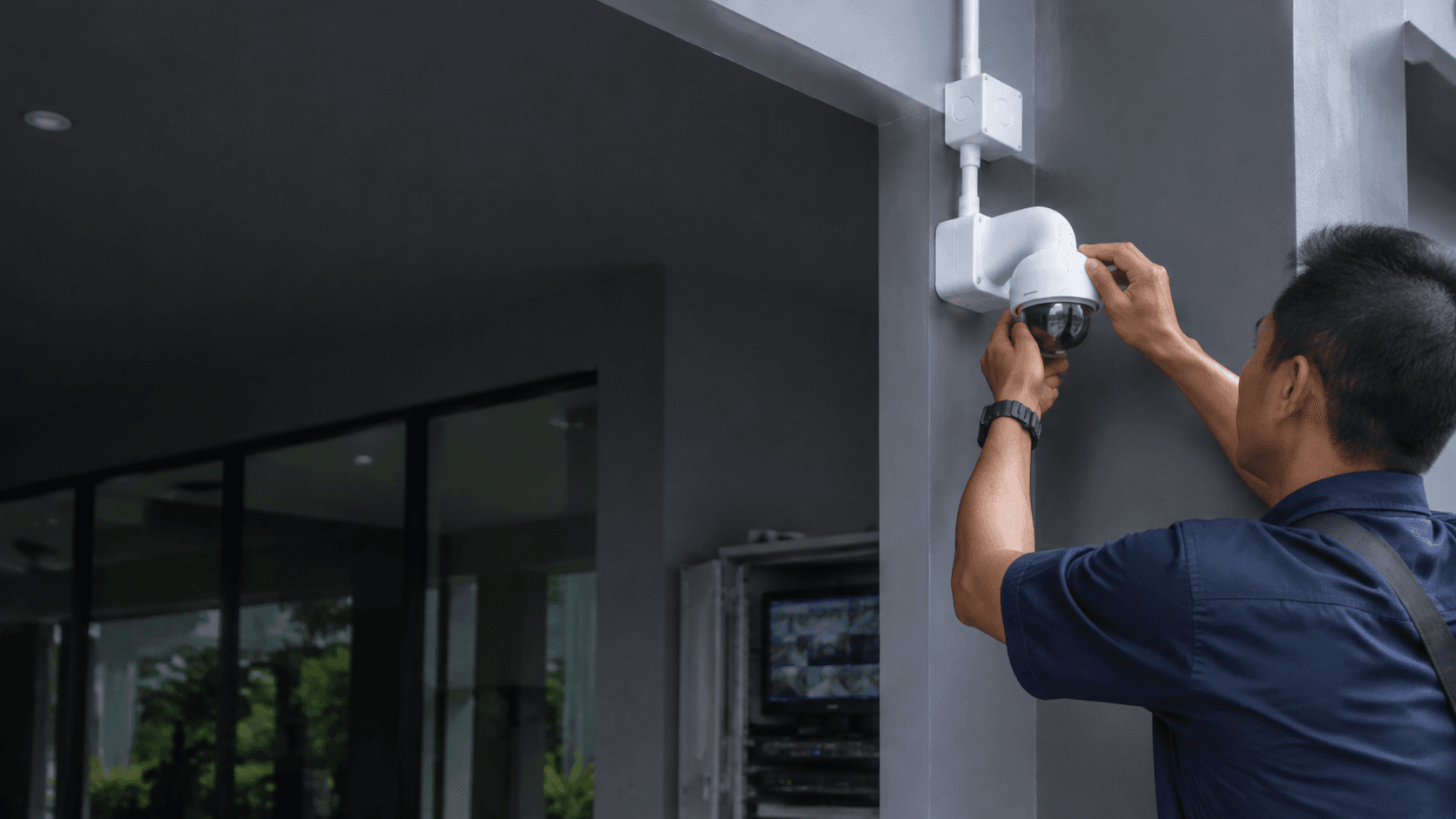
How Surveillance Cameras Without Wifi Work
Surveillance cameras without wifi replace the home router with one of three paths: a mobile network, an on-board recording device, or a physical cable back to a recorder. The camera still captures video the same way; only the transport method changes.
Cellular cameras carry a SIM card and connect to a 4G or 5G network, sending footage to a phone app over mobile data. Local storage cameras write video directly to a microSD card or built-in memory, with no network involved at all. Wired systems run Ethernet or coaxial cable from each camera to a central recorder, which stores footage on a hard drive.
Each approach removes the dependency on a Wi-Fi signal. That matters in Malaysia for sites such as construction areas, agricultural land, remote offices, and older buildings where router coverage is weak or unreliable.
Types of Surveillance Cameras Without Wifi
The main types of surveillance cameras without wifi fall into three groups, and the right choice depends on whether remote viewing, continuous recording, or simple offline capture matters more.
- Cellular cameras use a SIM card and mobile data for live viewing and alerts, suited to sites with phone signal but no broadband.
- Local storage cameras record to a memory card or internal drive, suited to indoor or short-range outdoor use where reviewing footage on site is acceptable.
- Wired NVR or DVR systems connect cameras by cable to a recorder for continuous, high-volume recording, suited to permanent installations with mains power.
Cellular cameras suit sites where live monitoring from a phone is essential but broadband is absent. A 4G LTE camera on a farm or a remote warehouse can send motion alerts and live views through the mobile network, provided the SIM plan has enough data. The trade-off is a recurring data cost and dependence on mobile coverage strength.
Local storage cameras suit simpler needs. A camera recording to a microSD card inside a shop or a home entrance captures footage without any network, but reviewing it means physically retrieving the card or connecting to the camera directly. There is no remote alerting, so this option works best where someone checks the footage regularly.
Wired NVR and DVR systems suit permanent, higher-security installations. Power over Ethernet (PoE) cameras run a single cable that carries both power and data back to a network video recorder, while DVR systems use coaxial cable with analog or HD-over-coax cameras. These systems record continuously and can store weeks of footage, but installation requires running cables and placing a recorder in a secure, ventilated spot.
Where to Use Surveillance Cameras Without Wifi
Surveillance cameras without wifi fit locations where a router signal is weak, absent, or simply not worth extending. Common settings include remote properties, temporary sites, and buildings with thick walls that block wireless signals.
For a remote site such as a farm, a cellular camera with a solar panel can operate independently of both Wi-Fi and mains power. For a temporary site like a construction area, a cellular camera provides live views without laying network infrastructure that will be removed later. For a permanent office or public building, a wired system delivers dependable daily operation without relying on wireless conditions.
Eyonic's work on the Kuching Immigration Office illustrates the wired approach in practice. The project focused on arrival flow, staff areas, visitor movement, and dependable daily operation, which are exactly the demands that favour a fixed, cable-connected system over wireless cameras. A public office processing visitors needs continuous recording and stable performance, not cameras that depend on a Wi-Fi signal that could drop.
How to Install Surveillance Cameras Without Wifi
Installation differs by type, but every non-Wi-Fi camera needs a clear plan for power, data, and physical placement before mounting begins. Eyonic's CCTV installation process runs through a site survey, a system proposal, installation, and handover, which keeps the work aligned with the actual building conditions.
- Survey the site to confirm power points, cable routes, mobile signal strength for cellular units, and the exact areas each camera must cover.
- Confirm placement against real conditions, checking lighting and sightlines before fixing mounts, since a camera position that looks correct on paper can fail in practice.
- Run the required cabling for wired systems, or mount and power the unit for cellular and local storage cameras.
- Configure recording and access, setting the storage target, motion zones, and remote viewing method for cellular models.
- Test and hand over, verifying that footage records, alerts reach the right person, and the owner understands how to review video.
For cellular cameras, the critical step is testing mobile signal strength at the exact mounting point before committing to a position. A camera mounted inside a metal-roofed shed may lose the signal that works fine outside. For wired systems, the cable route determines everything: a PoE run should stay within the 100-metre Ethernet limit, and the recorder needs a stable power supply and protection from heat and dust.
Eyonic recommends checking actual lighting conditions before confirming placement for ColorVu-style cameras, a principle that applies to any camera type. A camera facing a bright sunset or a dark, shadowed corner will produce poor footage regardless of how well it connects.
Surveillance Cameras Without Wifi: What to Compare
Choosing between the types of surveillance cameras without wifi comes down to comparing connectivity, power, storage, remote access, and the intended use case. The table below summarises the key differences.
| Feature | Cellular Camera | Local Storage Camera | Wired NVR/DVR System |
|---|---|---|---|
| Connectivity | 4G/5G mobile network | None required | Ethernet or coaxial cable |
| Power | Battery, solar, or mains | Battery or mains | Mains via PoE or adapter |
| Storage | microSD or cloud | microSD or internal drive | Hard drive in recorder |
| Remote access | Live view via mobile data | Not available | Via recorder on local network |
| Best use case | Remote sites with phone signal | Simple indoor or short-range outdoor | Permanent, high-volume recording |
The comparison starts with remote access. If live viewing from a phone is a requirement, a cellular camera is the only true non-Wi-Fi option, since wired systems typically need a router to expose remote viewing and local storage cameras offer none. If remote access is not needed, local storage cameras are simpler and cheaper.
Power is the second major factor. Cellular cameras with solar panels suit off-grid locations, but battery life depends on motion frequency and solar conditions. Wired systems need continuous mains power, which makes them unsuitable for sites without electricity. Local storage cameras sit in between, with battery-powered models for short-term use and plug-in models for continuous recording.
Storage capacity follows the recording mode. A wired NVR with a hard drive records 24/7 and can hold weeks of footage across multiple cameras. A local storage camera on a memory card fills up faster, especially at higher resolutions, and needs periodic clearing. A cellular camera's storage depends on whether it records locally or pushes clips to the cloud.
Frequently Asked Questions
Can send alerts to a phone
Cellular cameras can send motion alerts and live video through the mobile network, provided the SIM card has an active data plan. Local storage and wired cameras without a router connection cannot push alerts to a phone, since they have no path to the internet.
Do need a SIM card
Only cellular cameras need a SIM card. Local storage cameras and wired NVR or DVR systems operate without any SIM, using memory cards or hard drives for recording instead.
Are more secure
Non-Wi-Fi cameras avoid the common risks of wireless network intrusion, since they are not reachable through a home router. Wired systems are particularly difficult to intercept because the video travels over physical cable. Cellular cameras still transmit over a mobile network, so the security depends on the provider and the camera's own encryption.
What happens when the power goes out
Battery-powered cellular and local storage cameras keep recording until the battery drains. Wired systems stop when mains power is lost unless they are connected to an uninterruptible power supply. For sites where power cuts are common, a solar-powered cellular camera or a wired system with a backup battery is the practical choice.
Can a wired system work without any internet connection
Yes. A wired NVR or DVR system records locally to its hard drive without any internet connection. The limitation is remote viewing, which requires the recorder to be connected to a router and the internet to access footage from outside the property.