
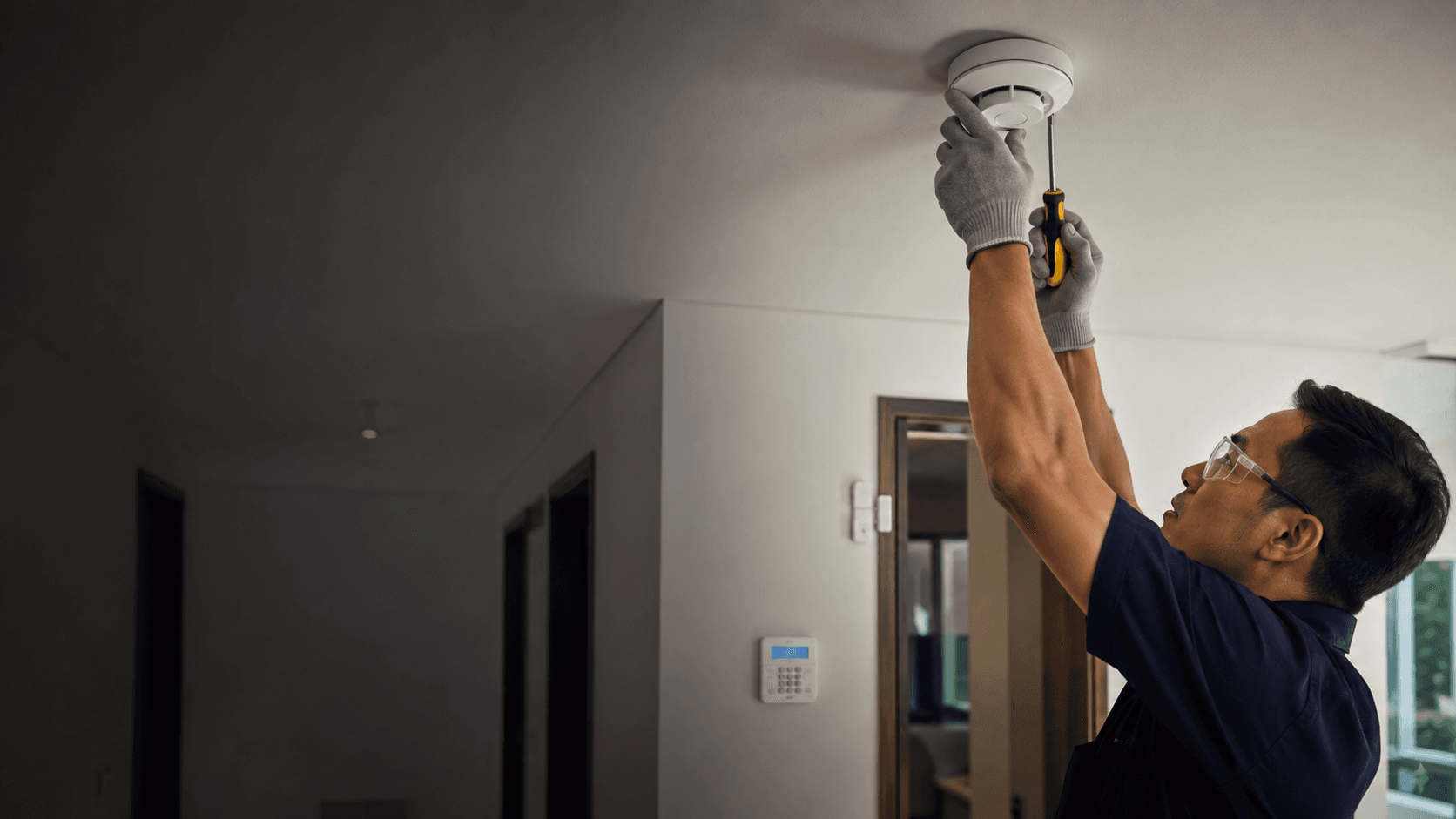
The exact-match query arlo alarm sits at the meeting point of two different products that share one brand name. One is a hardware kit. a hub, entry sensors, a siren, and a keypad. The other is the Arlo Secure mobile app that arms, disarms, and reports activity. Buyers searching the term usually want to know which of those they are actually getting, what it costs to keep running, and whether a self-installed system suits the property.
This guide works through the observed evidence on Arlo alarm hardware, the app, subscription dependence, and the practical limits that show up in third-party testing. It also sets out how a Sarawak property owner can judge whether a self-installed kit or a locally installed alarm system is the better fit.
Arlo Alarm. What Matters Before You Choose
Three things decide whether an Arlo alarm purchase works out: whether the property can support wire-free sensors, whether a paid plan is acceptable, and whether self-installation matches the site.
Arlo's own product page describes the system as wire-free, with an All-in-One Sensor that handles motion, open and closed detection, water leak, tilt, light, temperature, smoke alarm listening, and CO alarm listening. That breadth is the main reason the kit appears in so many reviews. A single sensor type covering eight detection jobs reduces the number of separate devices needed around a house.
The trade-off is that several of the most useful behaviours sit behind a subscription. Review coverage from NerdWallet and PCWorld both note that professional monitoring and advanced detection features depend on an Arlo Secure plan rather than the hardware alone. Hardware cost is therefore only part of the total.
Installation is the third variable. Arlo markets the system as a self-install product, and CNET's review describes setup as straightforward. That holds for a house with good Wi-Fi coverage and accessible door and window frames. It holds less well for a shoplot with thick walls, a multi-floor office, or a site where cable routing and device placement need a survey first.
Choosing the Right Arlo Alarm Setup
A sensible selection sequence starts with the property, not the product page. Working through these points in order avoids buying sensors that cannot be placed or a hub that cannot reach them.
- Count the entry points that need coverage — doors, ground-floor windows, and any side or rear access — and note which are reachable without drilling through finished surfaces.
- Check Wi-Fi coverage at each of those points, because wire-free sensors and the hub depend on a stable connection to report reliably.
- Decide whether professional monitoring is required or whether app notifications and a local siren are enough.
- Confirm the subscription position, since advanced detection and monitoring features are tied to an Arlo Secure plan.
- Match the kit size to the entry count rather than buying the largest bundle, then add single sensors later if coverage gaps appear.
- Decide who installs it — self-installation suits simple layouts, while multi-floor or commercial premises usually benefit from a site survey before placement is fixed.
Step five matters more than it looks. Sensor counts are easy to overbuy, and unused sensors still need batteries and app configuration. Starting with the entry points that genuinely matter and expanding later keeps the setup manageable.
What is arlo alarm?
Arlo alarm refers to Arlo's home security offering: a wire-free sensor system paired with the Arlo Secure app for arming, disarming, and activity alerts. The hardware line is sold as the Arlo Home Security System with Alarm & Sensors, and it can be extended with cameras, video doorbells, and floodlight cameras from the same brand.
The system is not a single alarm panel in the traditional sense. It is a hub-and-sensor arrangement where the Keypad Sensor Hub acts as the control point, and the app carries the day-to-day interaction. That distinction shapes everything else: arming happens through a keypad or the app, alerts arrive as notifications, and the siren is a separate wire-free unit.
Arlo's product page also lists a Cellular & Battery Backup accessory, which keeps the system running when mains power or Wi-Fi drops. For properties with unstable power, that accessory changes the reliability picture considerably.
Arlo Secure. Home Security - Apps On Google Play
The Arlo Secure app is the control layer for the whole system, and its Google Play listing describes smart home security protection alongside activity zones, arm and disarm controls, and a dashboard for feeds. The listing also carries a substantial volume of user reviews, and app performance and notification reliability appear repeatedly among the topics raised there.
Two practical points follow from that. First, the app is not optional — it is how the system is configured and monitored day to day. Second, app quality varies by device and platform, so checking recent reviews for the specific phone platform in use is more useful than reading a general summary.
The Google Play listing also sets out data safety information, which is worth reading before committing to a system that stores activity history and video in a cloud account.
Practical Considerations for Arlo Alarm
Subscription cost is the most common surprise. NerdWallet's review frames Arlo as a budget-priced provider with self-installed equipment, while noting fewer features than some competitors. PCWorld's review reaches a similar conclusion from a different angle, describing the hardware as capable but cautioning against buying it primarily for newer AI detection features.
Those two observations point at the same decision. If the requirement is entry detection, a siren, and phone alerts, the hardware does that job. If the requirement is advanced object recognition or around-the-clock monitoring by a response centre, the plan and its ongoing cost become the deciding factor rather than the kit.
Battery life is the second consideration. Wire-free sensors run on batteries, and the All-in-One Sensor uses a CR123A cell according to review coverage. Battery replacement is routine rather than difficult, but it is a recurring task across every sensor in the system, and it scales with the number of devices installed.
Smart home integration is the third. Review coverage lists Alexa, Google Assistant, and Apple HomeKit support, with some limitations noted around third-party device compatibility. A household already committed to one ecosystem should confirm that the specific devices in use are supported before purchase.
How Arlo Alarm Compares With a Locally Installed System
Self-installed kits and locally installed alarm systems solve the same problem with different trade-offs. The comparison below reflects the observed structure of Arlo's offering and the installation model Eyonic uses for alarm work in Sarawak.
| Consideration | Arlo alarm kit | Locally installed alarm system |
|---|---|---|
| Installation | Self-install, wire-free sensors | Site survey, proposal, installation, handover |
| Ongoing cost | Optional Arlo Secure plan for monitoring and advanced detection | Depends on the panel, sensors, and monitoring arrangement chosen |
| Best fit | Single-family homes with good Wi-Fi and accessible entry points | Shoplots, offices, and multi-floor premises needing surveyed placement |
| Main constraint | Feature depth tied to subscription; battery upkeep across sensors | Requires an installer visit before placement is confirmed |
Eyonic's own installation process follows site survey, system proposal, installation, and handover, which is the sequence that suits premises where sensor placement is not obvious. The Kuching Immigration Office project is an example of that approach applied to a public building, where arrival flow, staff areas, and visitor movement shaped the design rather than a fixed kit size.
For a single house with clear entry points and reliable Wi-Fi, a self-installed Arlo alarm kit is a reasonable starting point. For a shoplot with a roller shutter, a back lane entrance, and staff arriving at different hours, a surveyed installation usually produces a more dependable result because placement is decided on site.
Costs and Budget Ranges
Eyonic publishes three package tiers at RM 1,599 each: a Hikvision CCTV package, a Hikvision alarm system covering control panel, sensors, siren and zone setup, and an autogate package. Those figures give a local reference point for what an installed alarm system costs in Sarawak, separate from Arlo's hardware and subscription pricing.
Larger projects sit higher. The Kuching Immigration Office project carries an approximate budget range of RM 12,000 to RM 28,000, and the KTA Sarawak Sdn Bhd office project sits at approximately RM 8,000 to RM 18,000. Both figures reflect scope rather than a per-device rate, and both include the survey and handover stages.
Arlo's own pricing is not fixed in the evidence reviewed here, and subscription tiers change. The practical approach is to total the hardware, the annual plan cost, and battery replacement over three years, then compare that against a quoted installed system covering the same entry points.
Making an Informed Choice About
The decision usually comes down to property type and appetite for self-management. Arlo alarm hardware suits a household that wants wire-free sensors, app control, and the option to add cameras later without a contractor visit. It suits less well where walls are thick, entry points are spread across floors, or the owner wants a single installed system with a defined handover.
Three checks settle most of the uncertainty. Confirm Wi-Fi reaches every entry point. Confirm whether the features that matter require an Arlo Secure plan, and at what cost. Confirm that the sensors can be physically placed without damaging finished surfaces or leaving gaps at a door frame.
Where those checks pass, a self-installed kit is workable. Where any of them fails, a surveyed installation removes the guesswork. Eyonic's founder Eric Yong has worked in technical installation of digital security solutions for commercial businesses in Sarawak for more than ten years, and the company's project work covers both public offices and engineering consultancy sites in Kuching.
For a Sarawak property, sharing the location, property type, and required system with Eyonic on WhatsApp at +60 11-5111 7959 is the next practical step toward a scoped recommendation.